Who it's for Resellers
Your customers. Nobody else's.
The reseller view is for agencies and freelancers who sell hosting on someone else's servers. You get your own accounts and clients inside an allowance, and none of the server work.
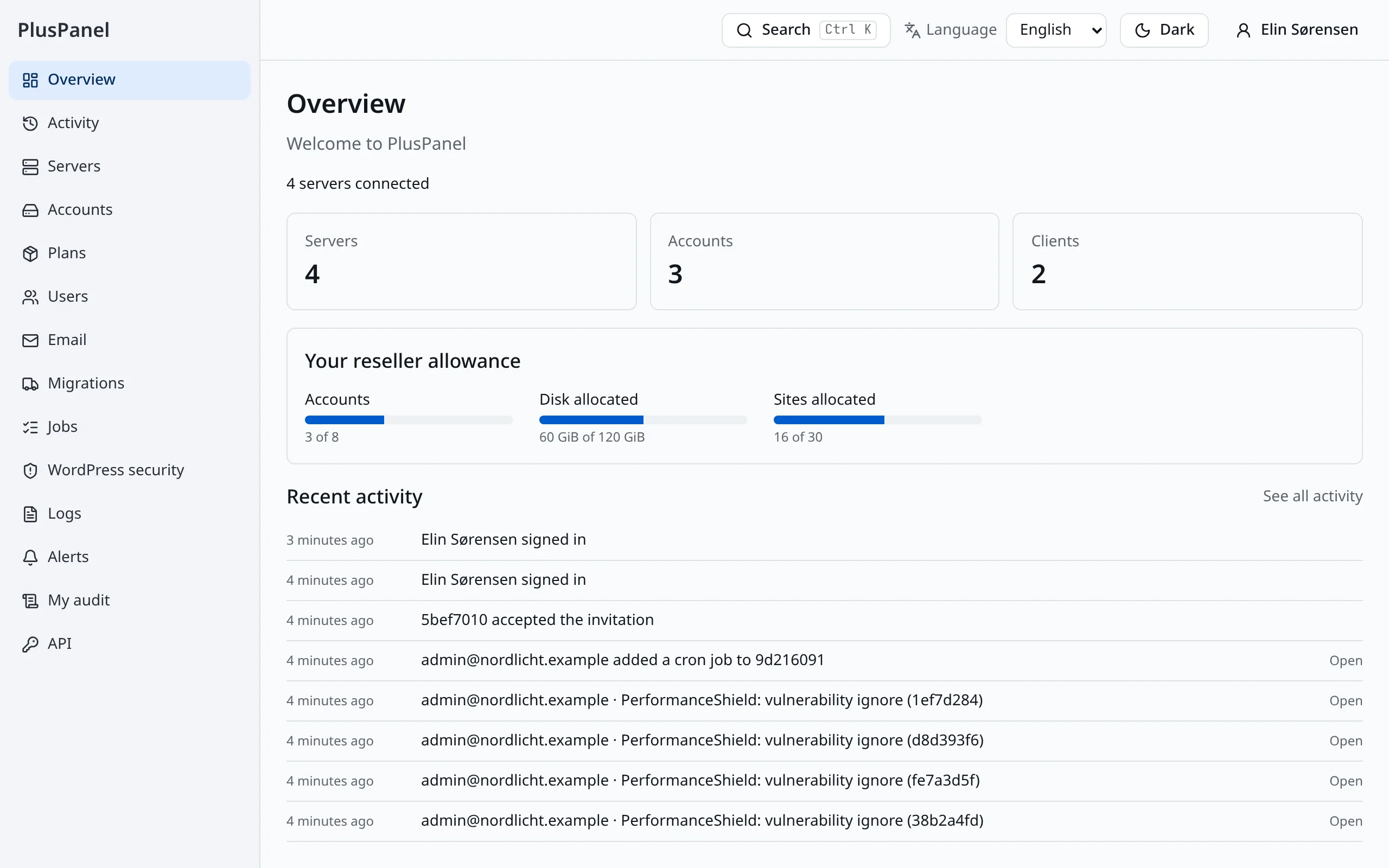
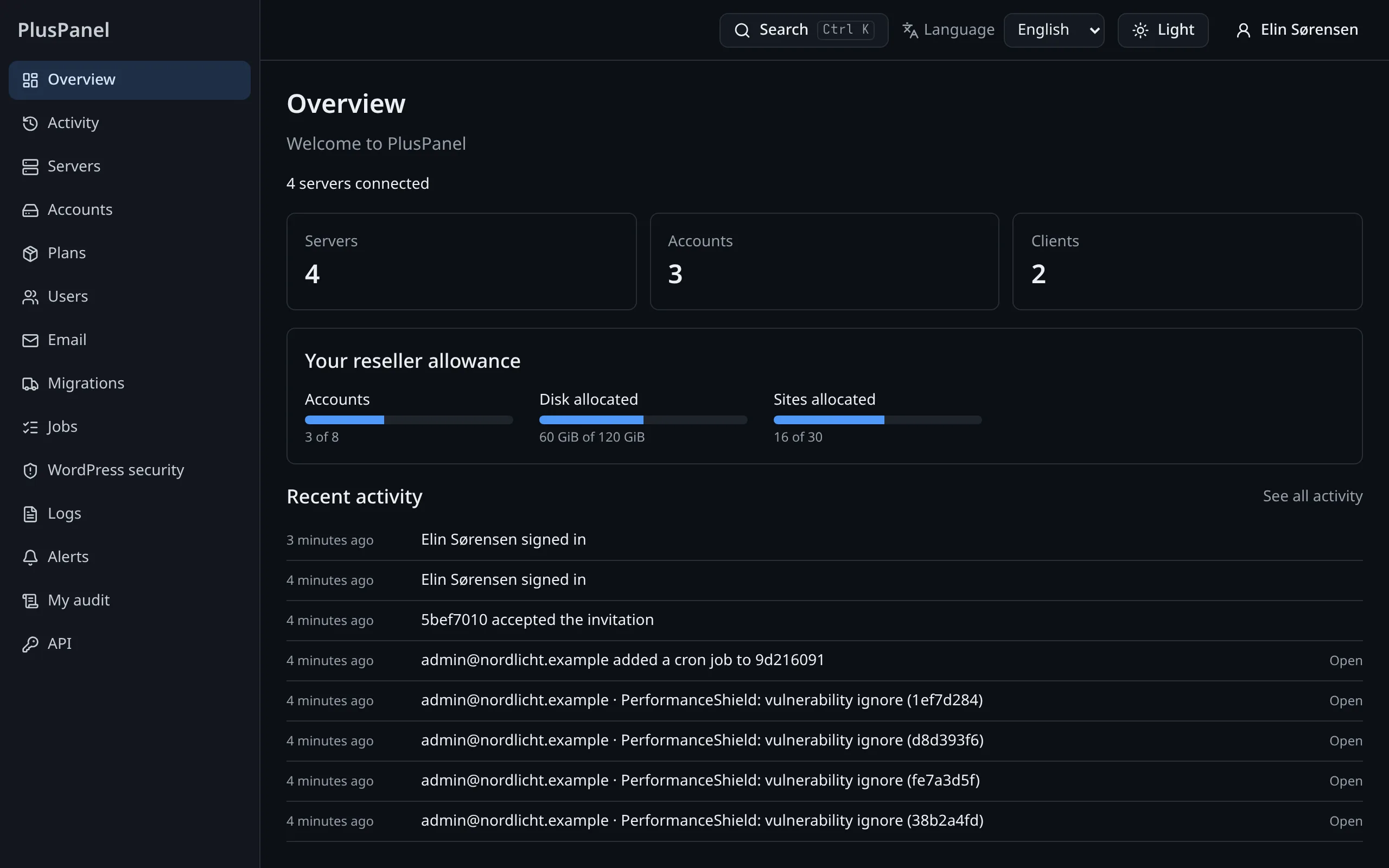
Only the accounts you own
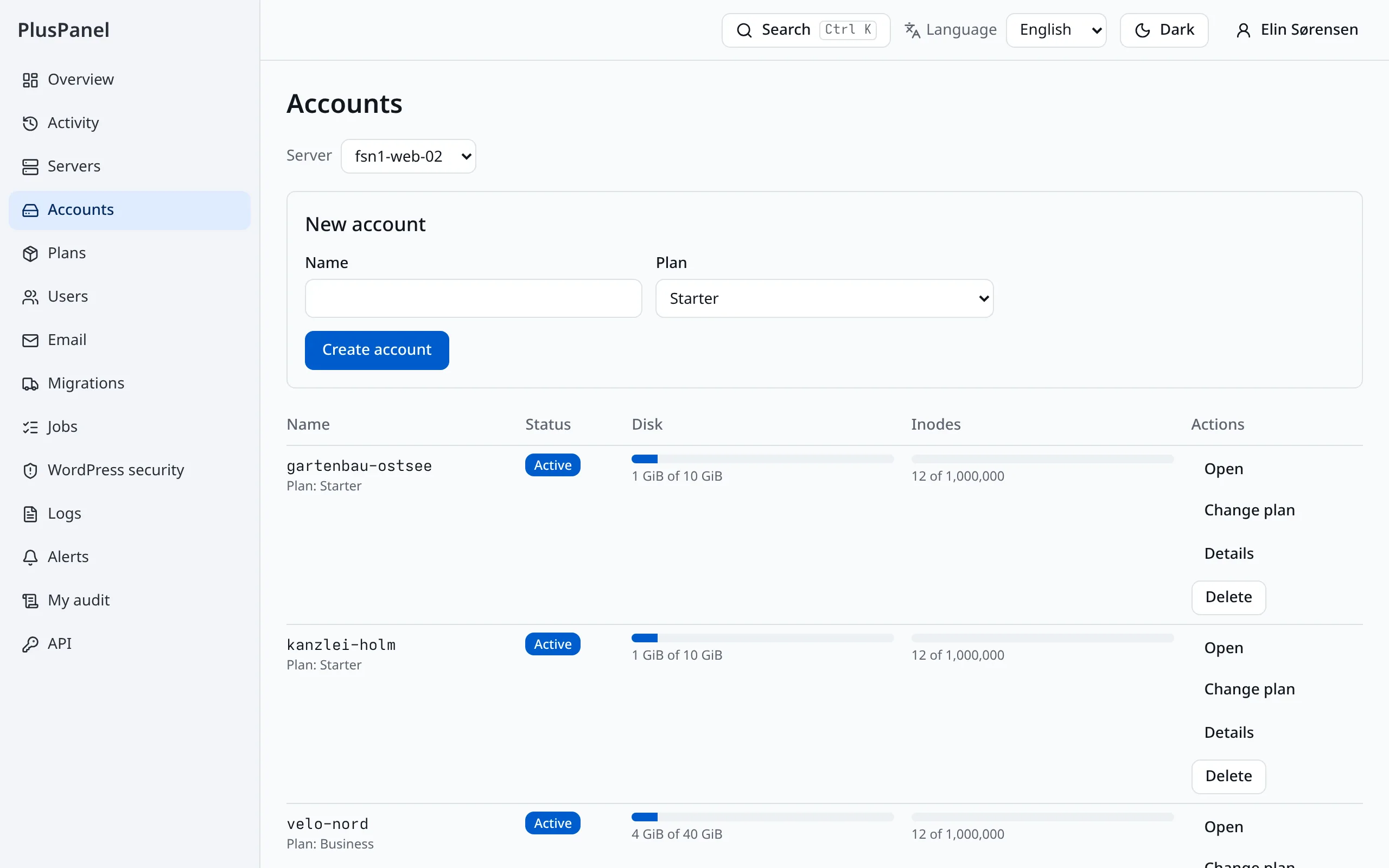
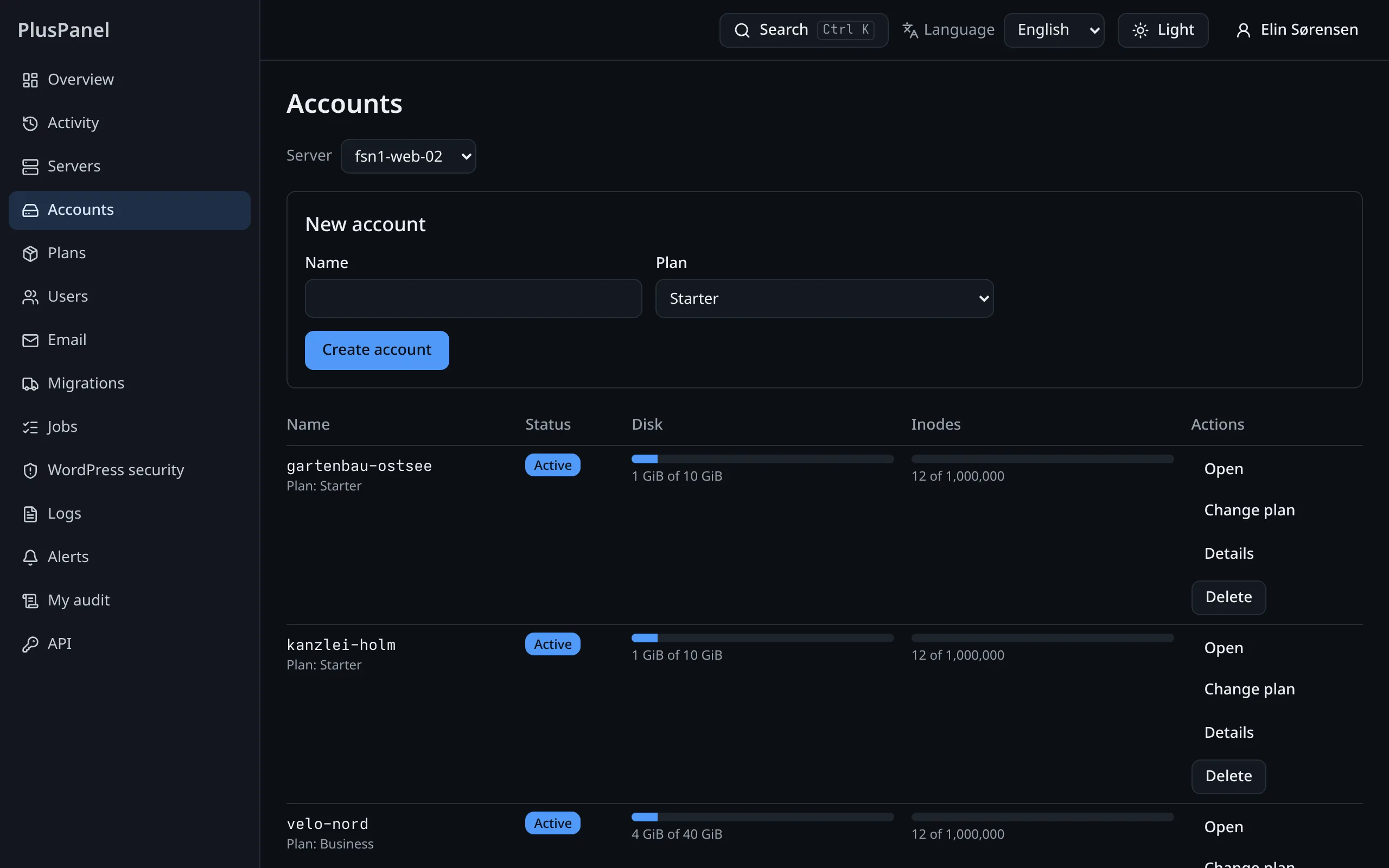
Your list holds the hosting accounts you created, with their plan, usage and state. Accounts of other resellers do not exist as far as your sign-in is concerned.
- Create an account on a plan your host offers
- Suspend, resume or change an account's plan
- Usage against the plan, per account
An allowance you can see
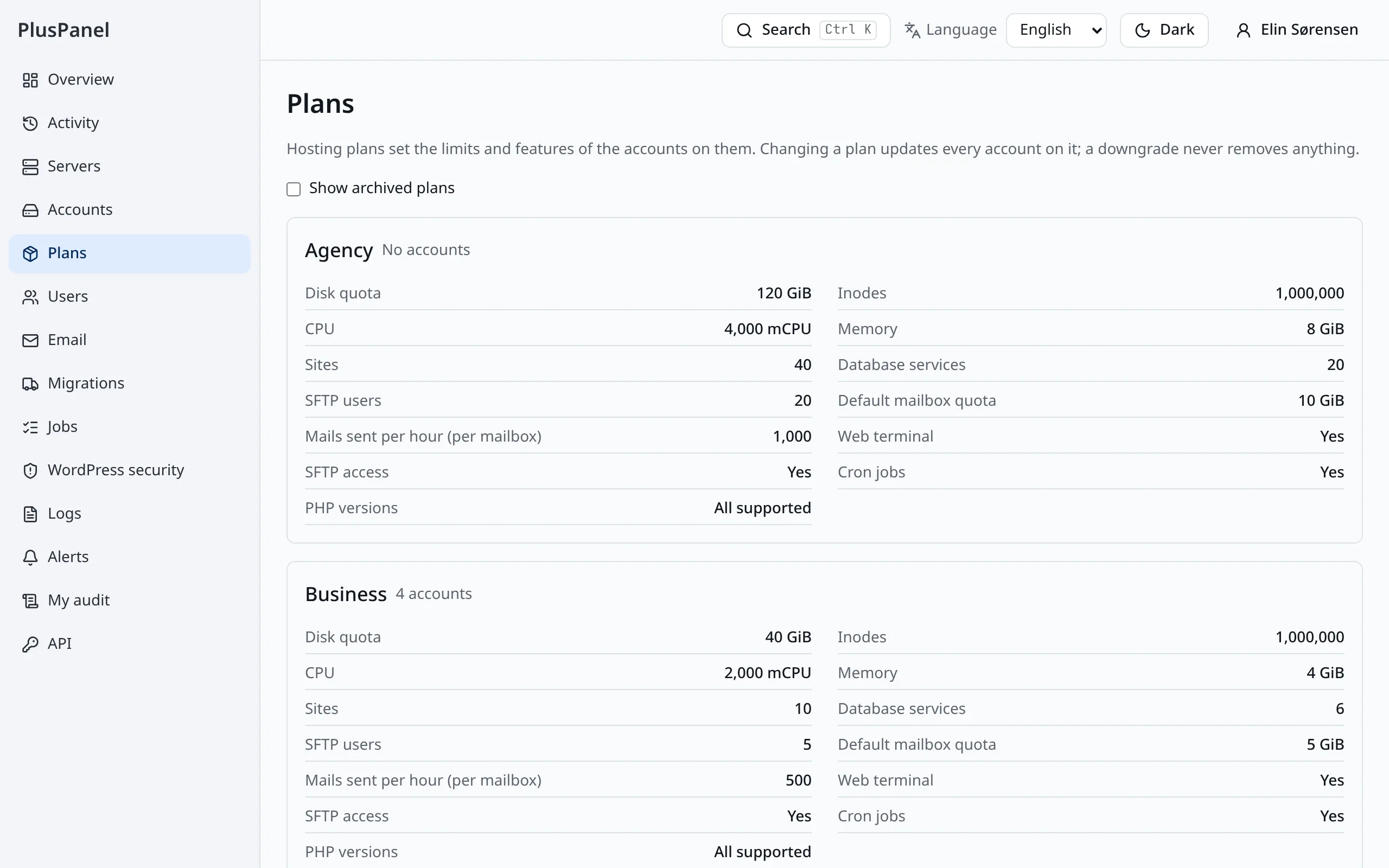
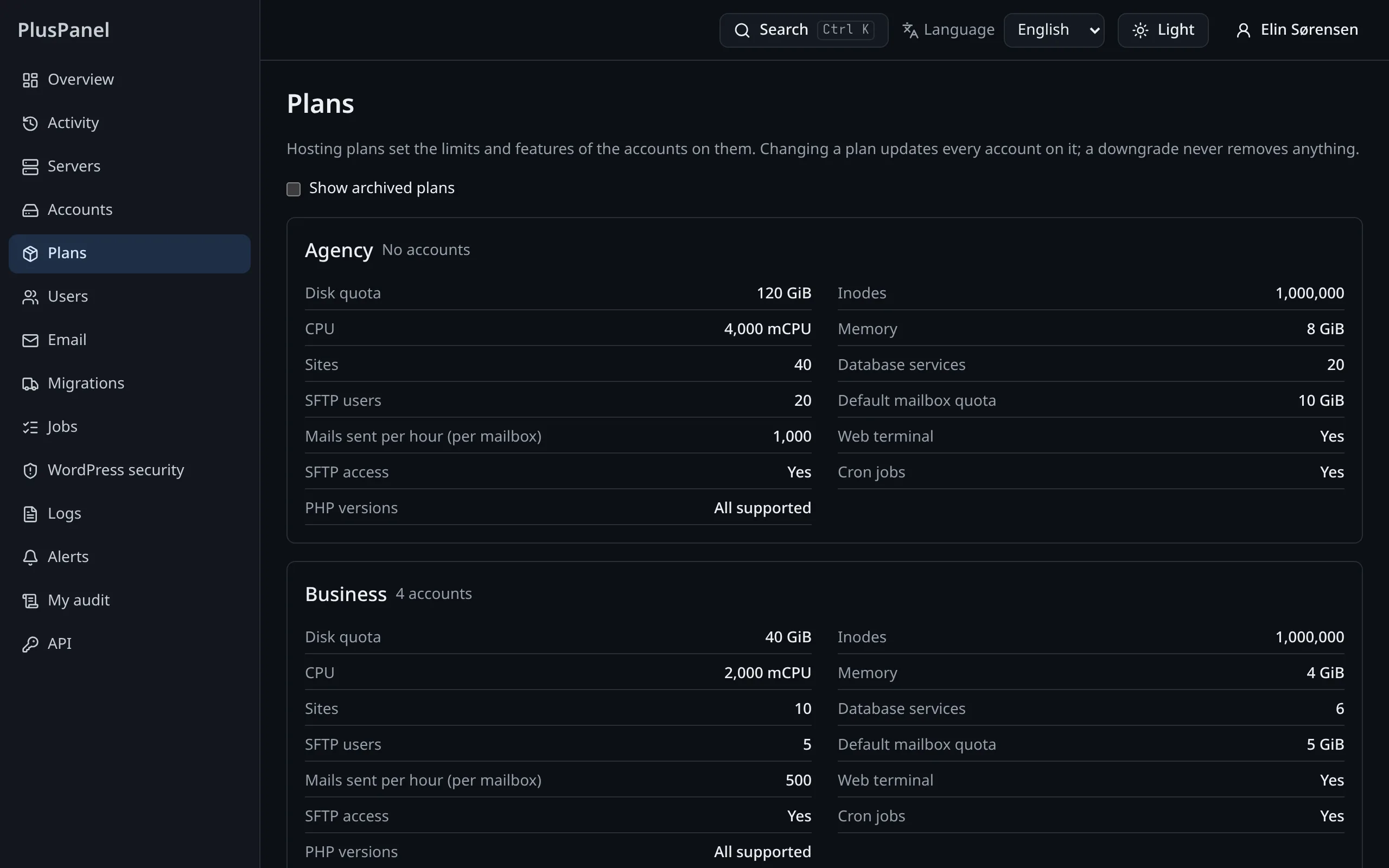
Your host sets how many accounts and how much disk, memory and CPU you may hand out. The panel shows what you have used and stops you at the limit, before a customer notices anything.
- Used and remaining, at a glance
- A refused request explains which limit it hit
- No surprise overage: the limit is enforced by the platform
Invite clients, help them from the inside
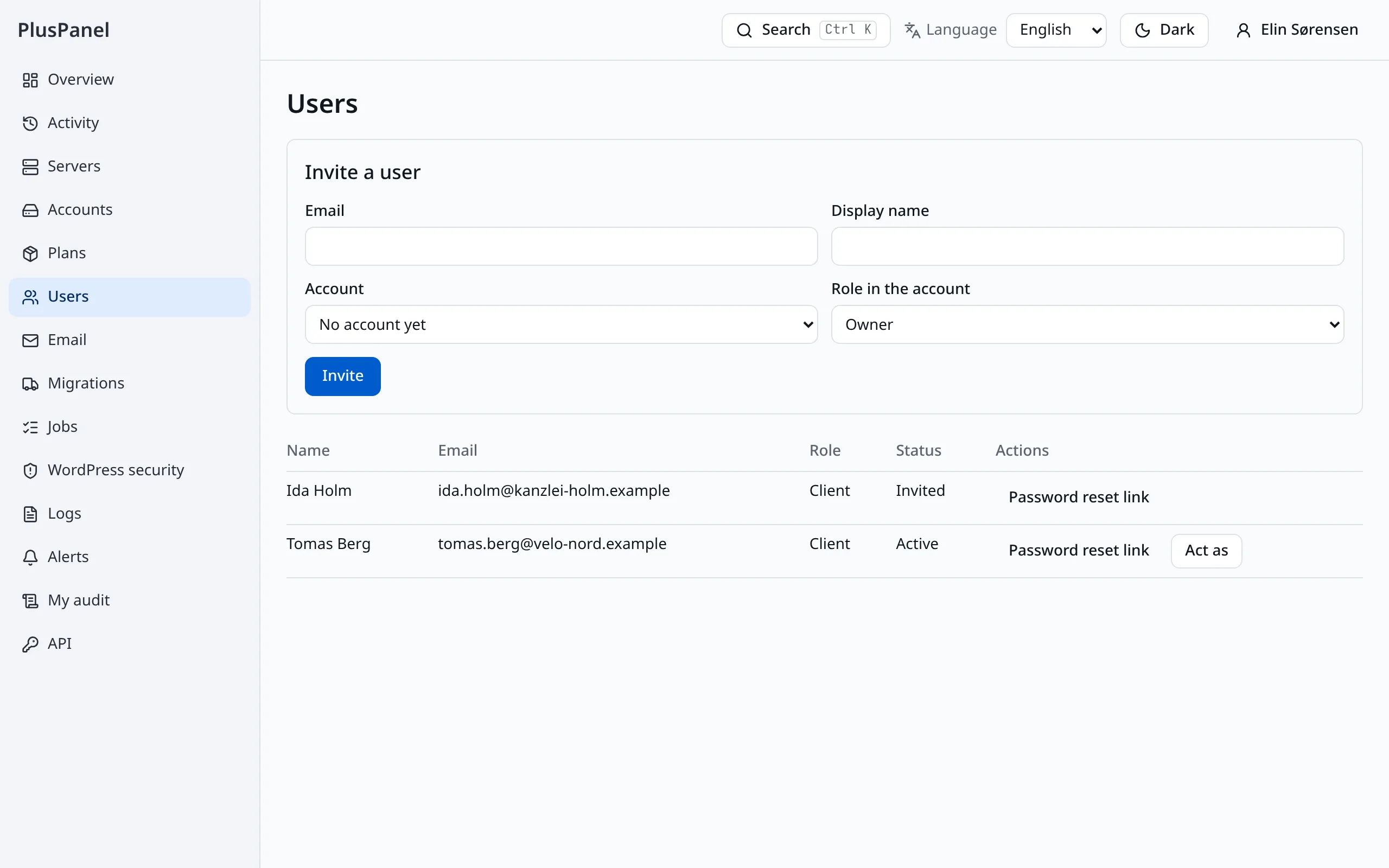
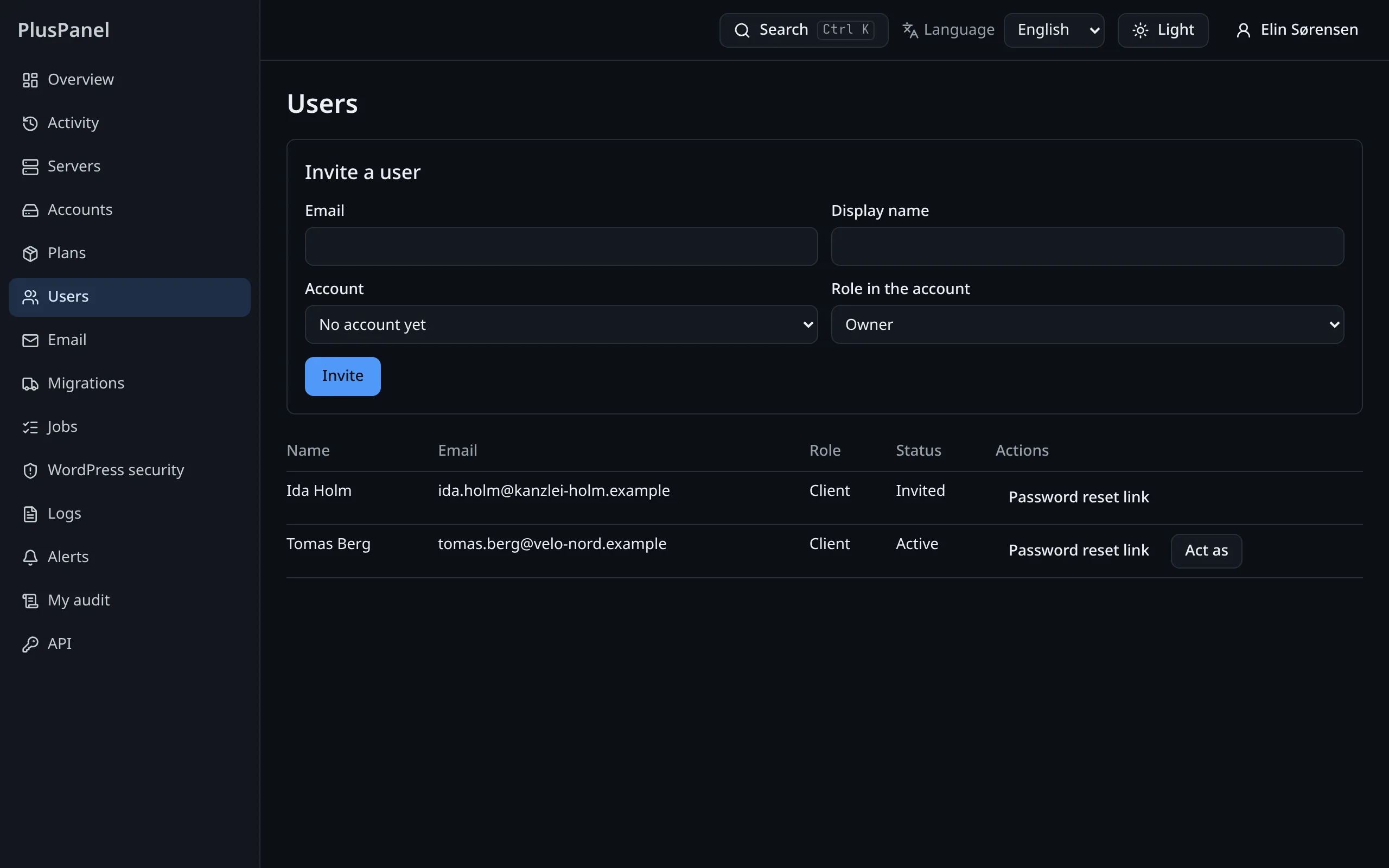
Send a one-time invitation link and your client has a sign-in of their own. When they ask for help, sign in as them and see exactly what they see.
- Invitation links work once and expire
- Everything you do as a client is logged under both names
- Sensitive settings stay locked while you act for someone else
Everything a site needs, for every customer
Open an account and work as its owner would: launch WordPress, add domains and certificates, create mailboxes and databases, restore a backup.
- WordPress in one click, with a snapshot before every update
- Web application firewall and security scan per site
- File manager, SFTP and a browser terminal
Bring customers over from cPanel
Start a migration for a customer from their old cPanel account or a backup archive and follow it step by step, with the old site live until the switch.
- Sites, databases, mailboxes, crons, certificates and DNS
- A report of what will move before it moves
- Rollback per account for 14 days
What stays with your host
- Servers, their updates and their firewall
- Hosting plans and prices: you pick from the plans you are given
- Other resellers' accounts and clients
- The organization's audit export, branding and billing
Enforced by the platform on every request, not by hiding menu items.