Who it's for Hosting admins
Your whole fleet, on one screen.
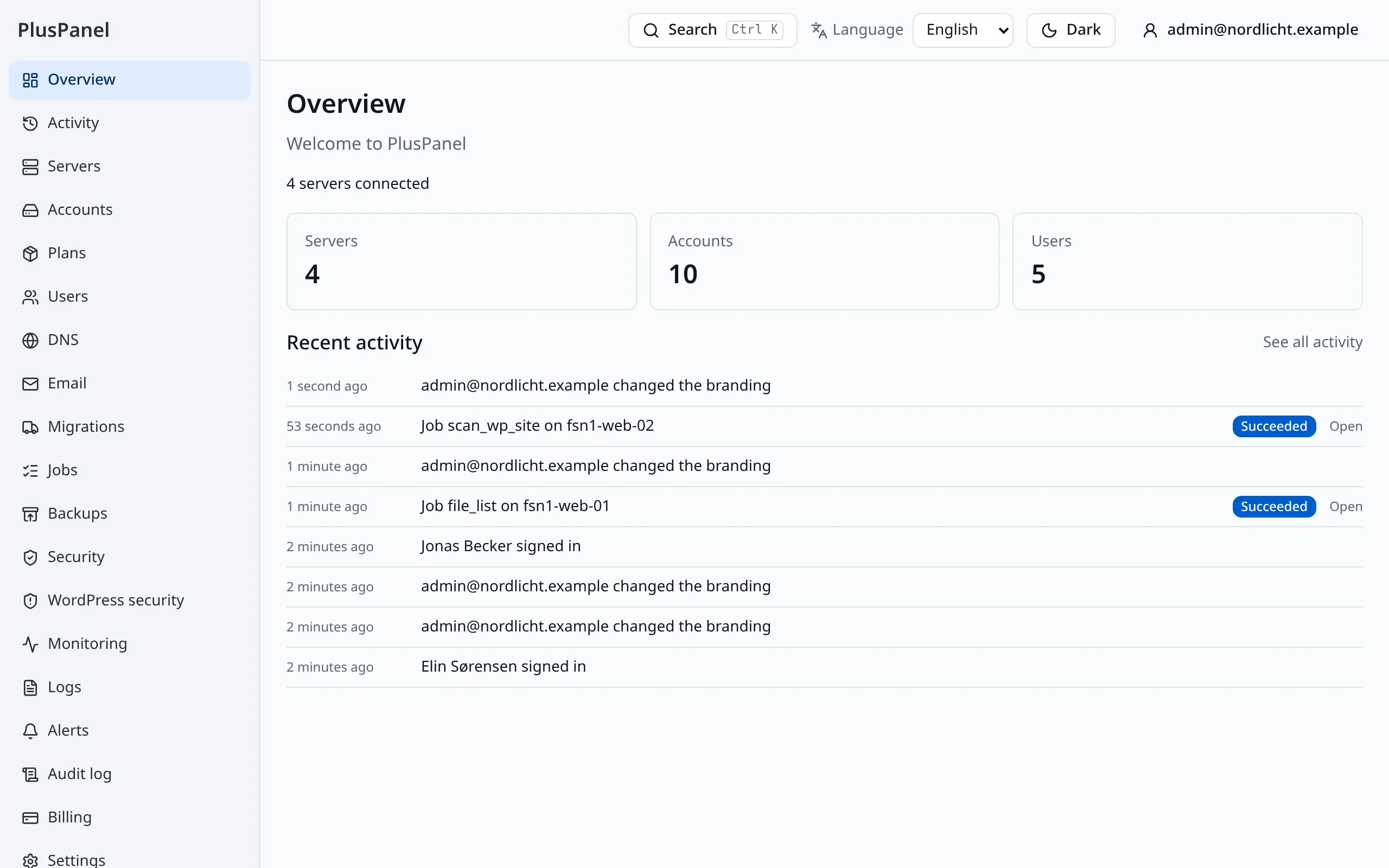
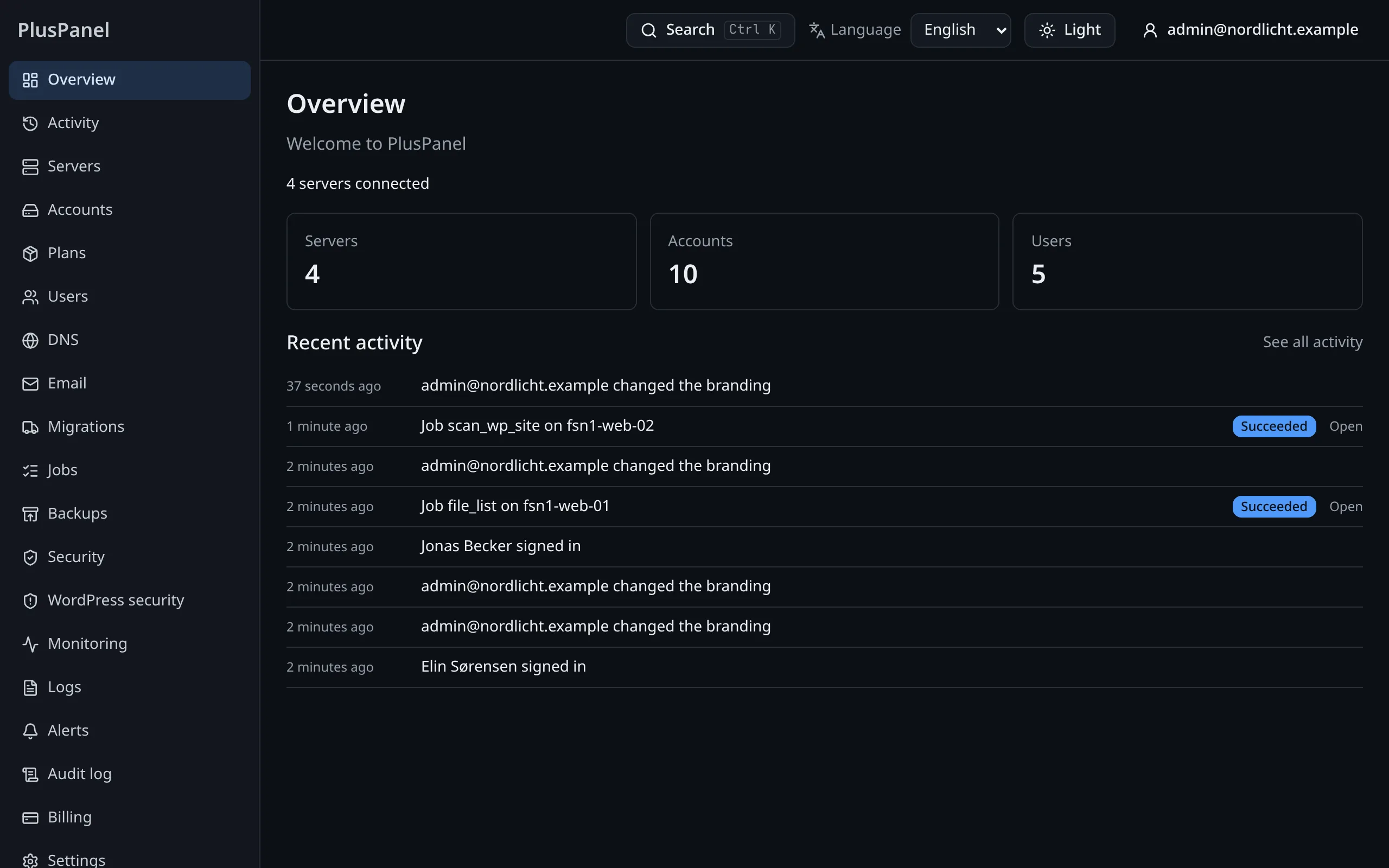
The admin view is for the people who run the servers. Every server, account and site of your organization is here, with the updates, security, backups and mail that keep them healthy.
Servers you never log in to
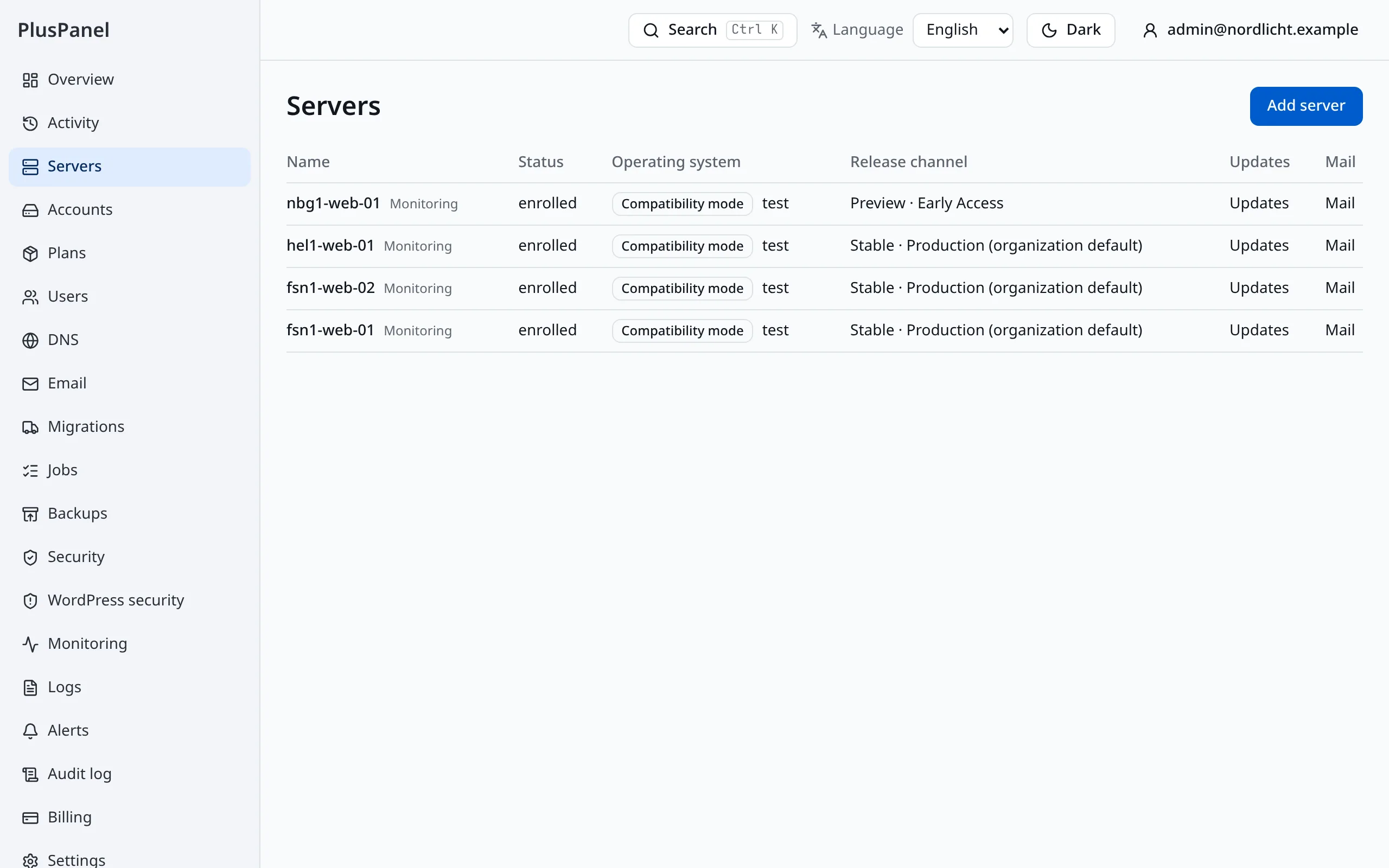
Add a server with one command and it appears here, with its health, version and workload. From then on you manage it from the panel: there is no management port to open and no SSH session to keep.
- Health, load, disk and running version of every server
- Typed operations with a visible result, never a remote shell
- A maintenance window per server
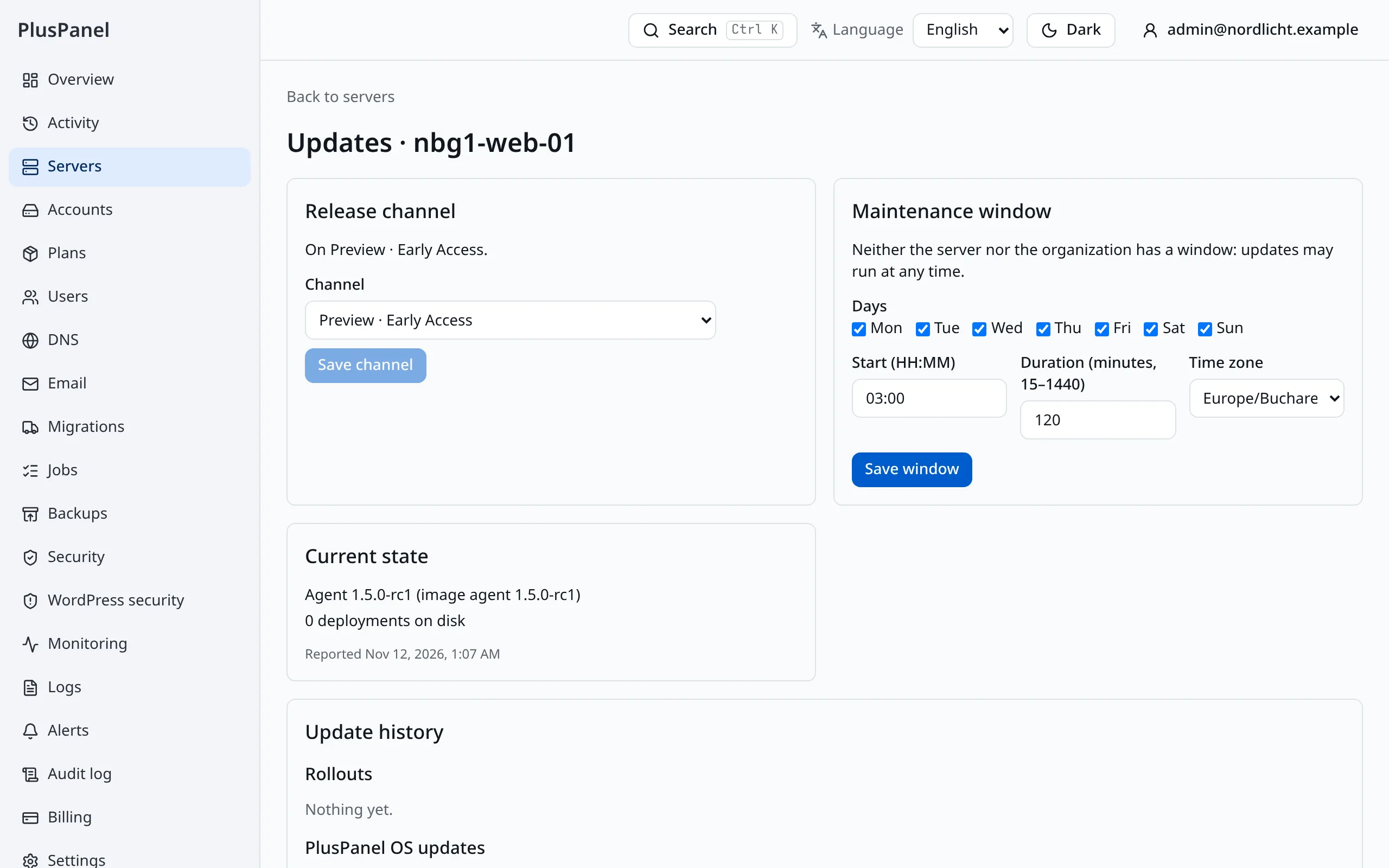
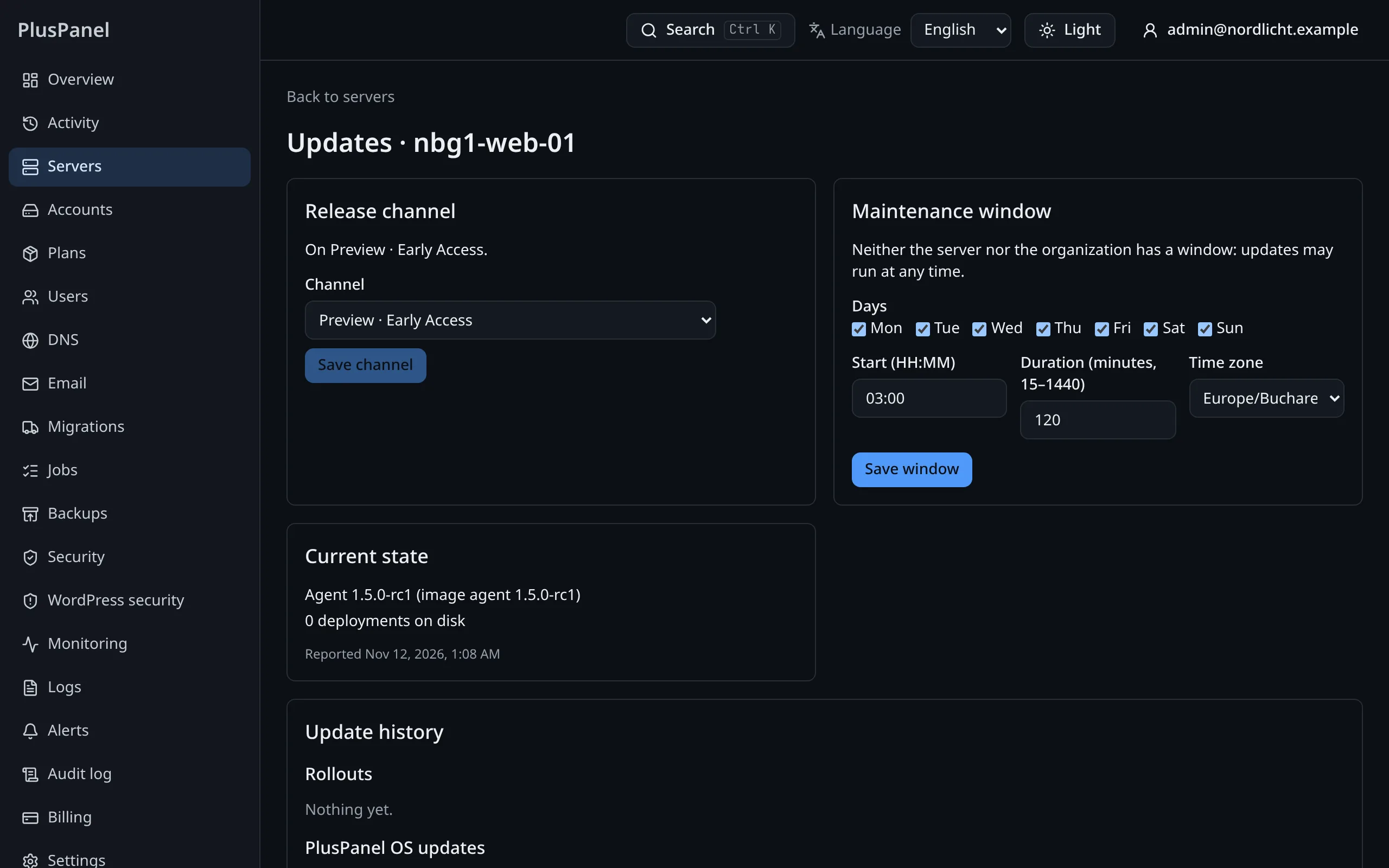
Operating system updates that roll themselves back
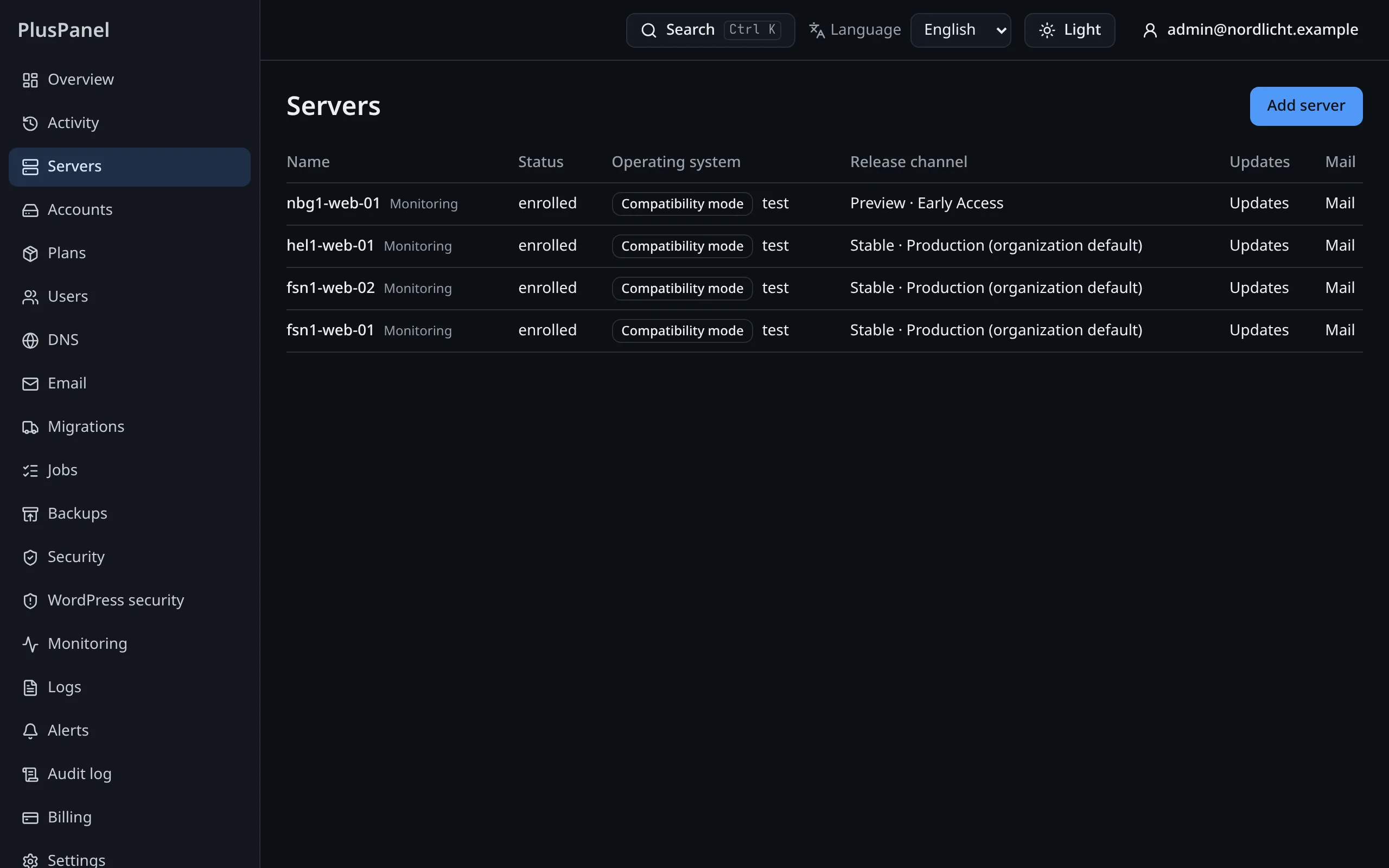
Each PlusPanel OS release reaches your fleet ring by ring, behind health checks. You see which server runs which version, hold a release, or roll one back.
- An update is a reboot into a signed image, measured at 44 seconds
- A server that fails its checks boots the previous image by itself
- Stable and Preview channels, chosen per server
A security center for the fleet
The firewall, the web application firewall on every site, country rules, brute-force bans and the sign-in policy of your users are in one place, included in the price.
- See what was blocked and why, and lift a ban in one click
- Require two-factor sign-in or passkeys for your team
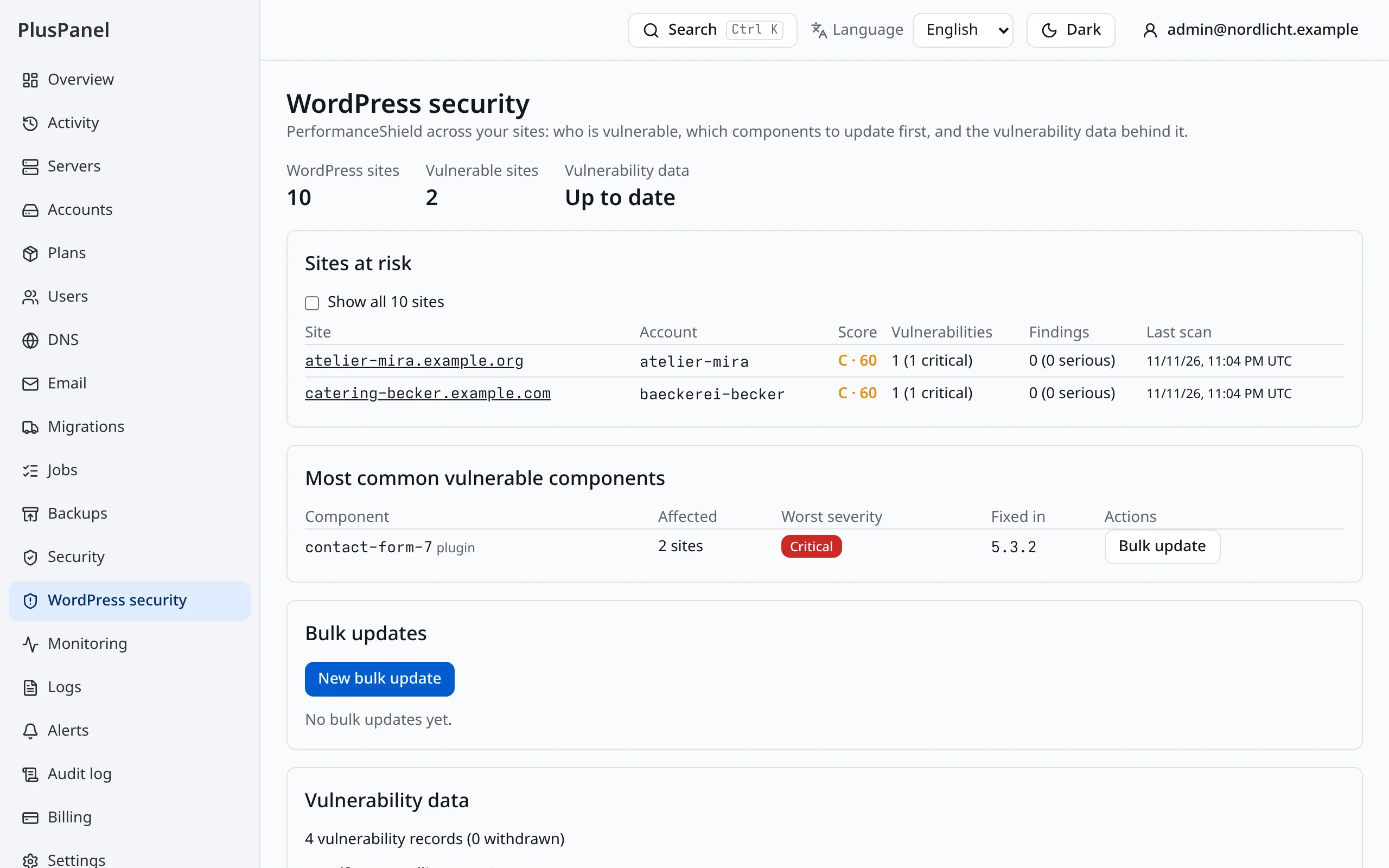
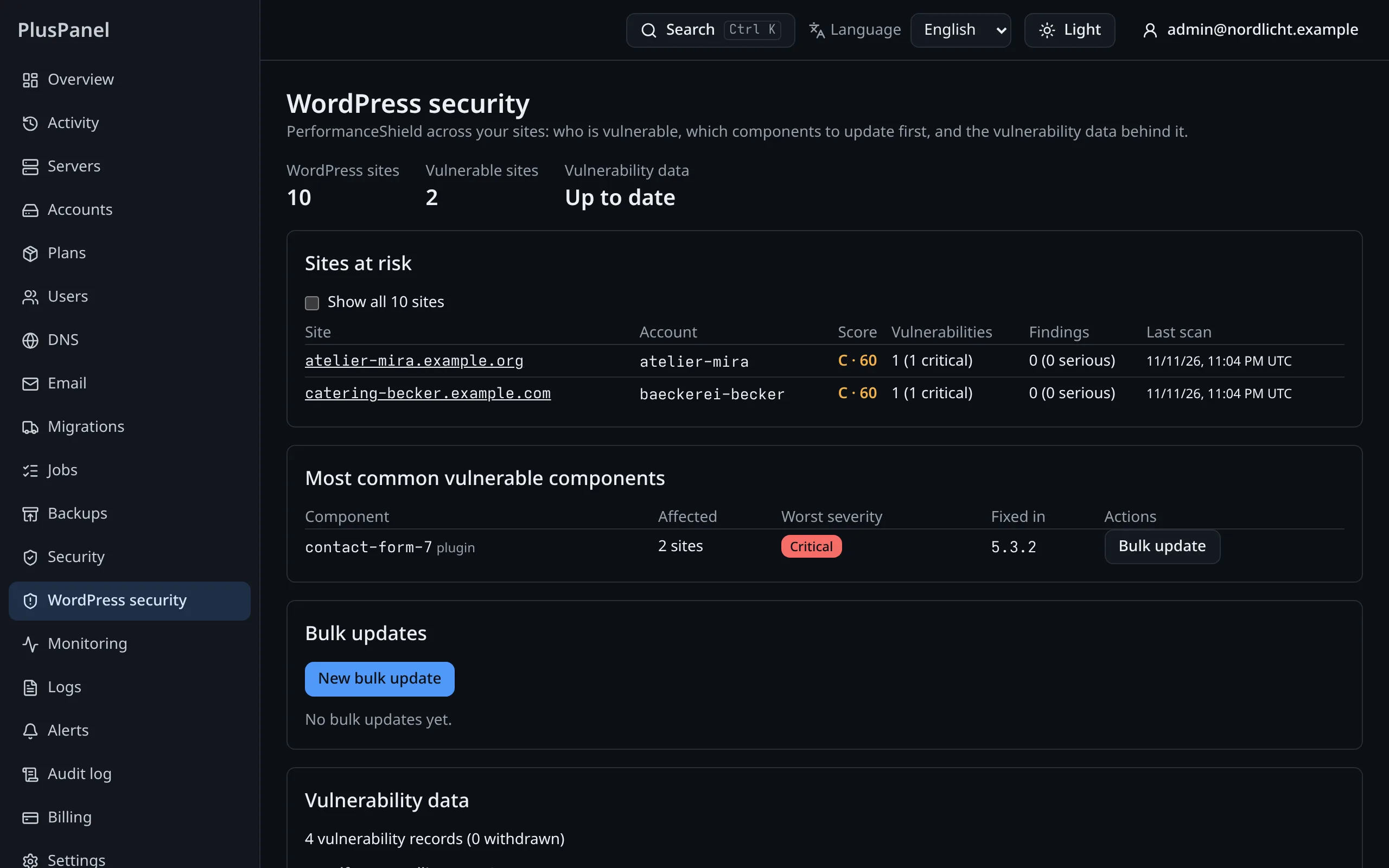
- Daily WordPress vulnerability and malware scan, with a fix button
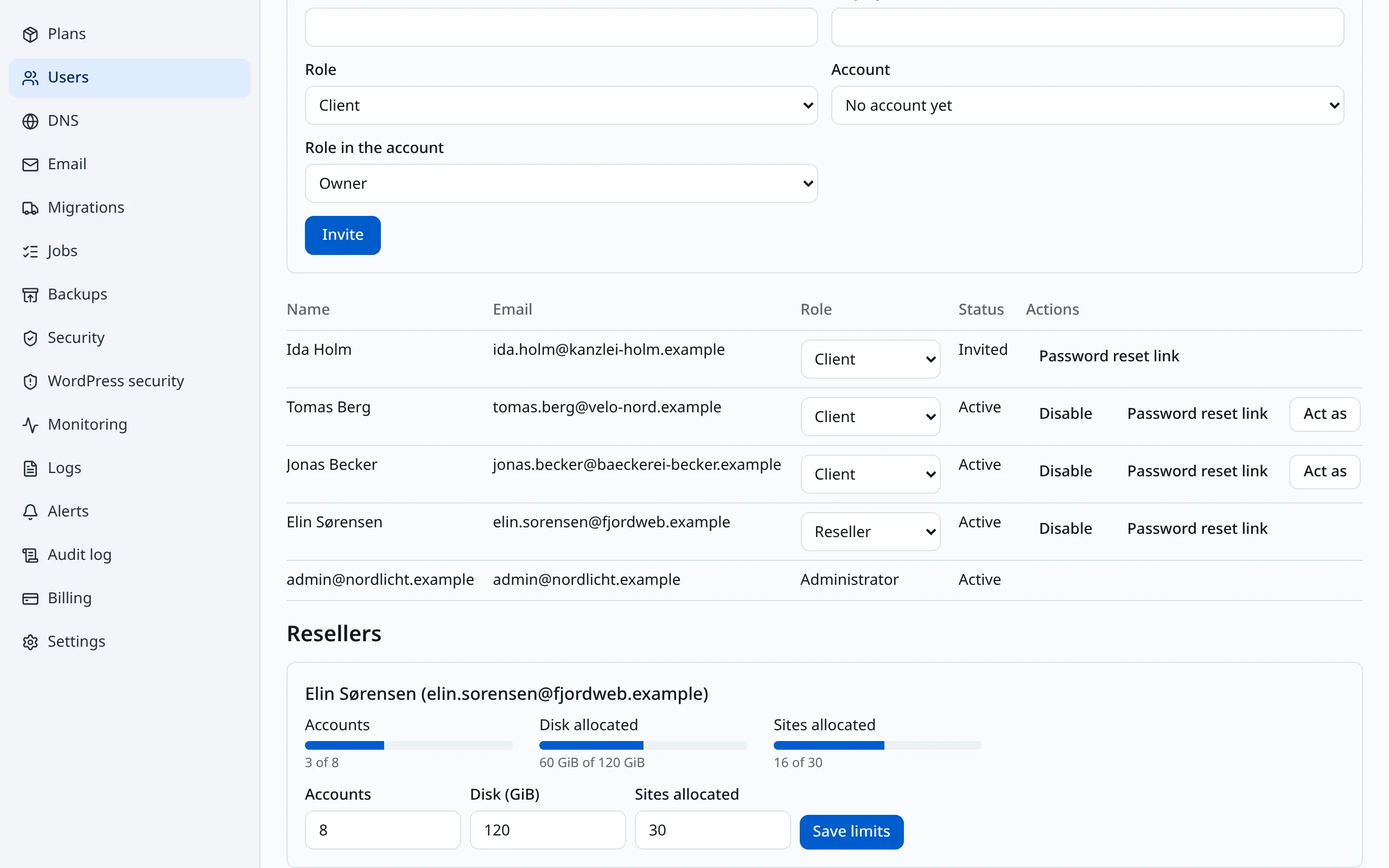
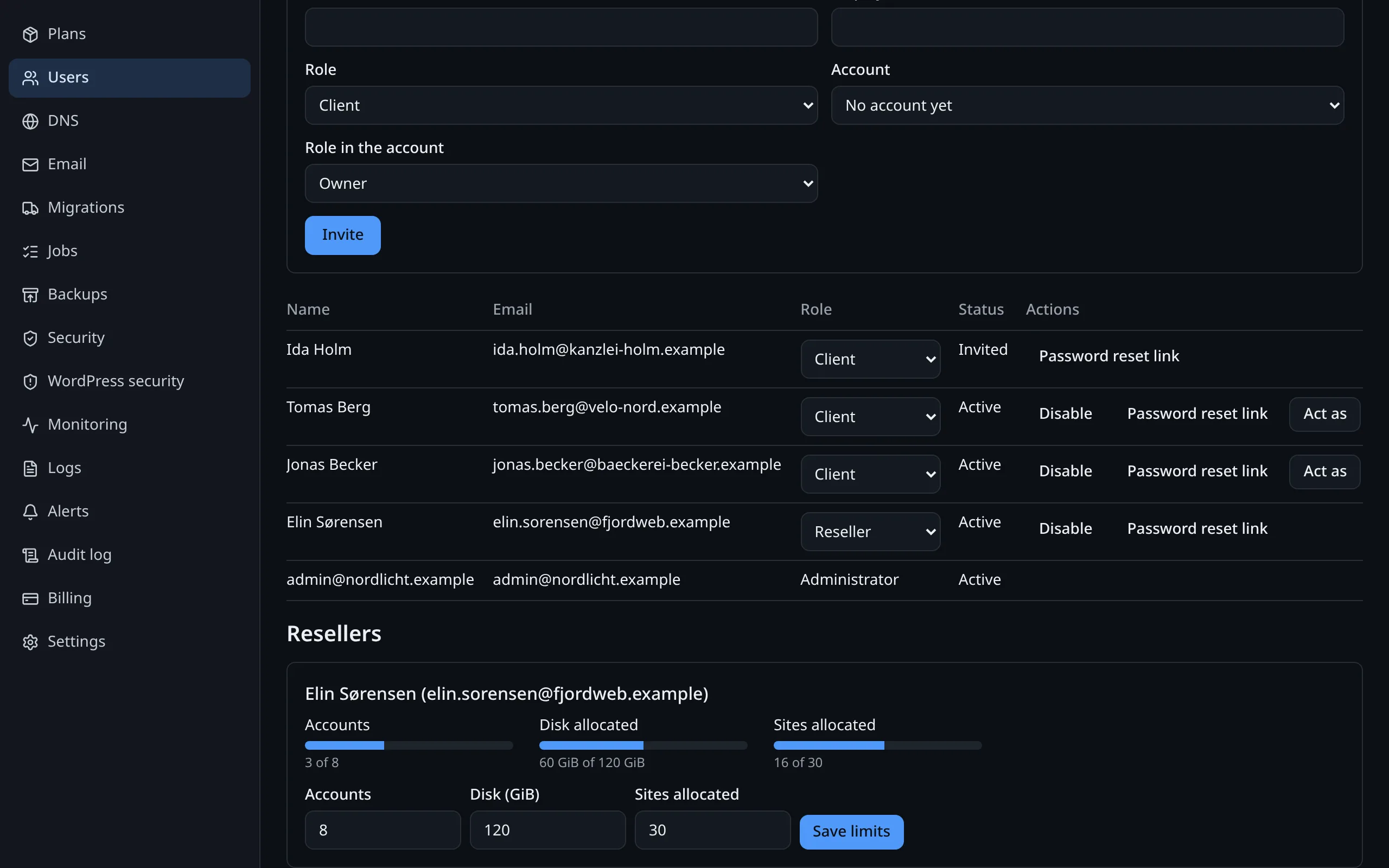
Plans, accounts and the people who use them
Define hosting plans once: disk, files, CPU, memory, sites, databases, PHP versions. The limits are enforced on the server itself, so a plan is a real boundary.
- Resellers with an allowance they cannot exceed
- One-time invitation links for resellers and clients
- Sign in as a user to help them: every action is logged under both names
Backups with a tested restore
See the last backup of every account, how big it was and whether its restore test passed. Restore a file, a database, a site or a whole account from the same screen.
- Encrypted on the server before upload, incremental after the first
- A deleted account can be brought back for 30 days
- Retention per plan, or your own per account
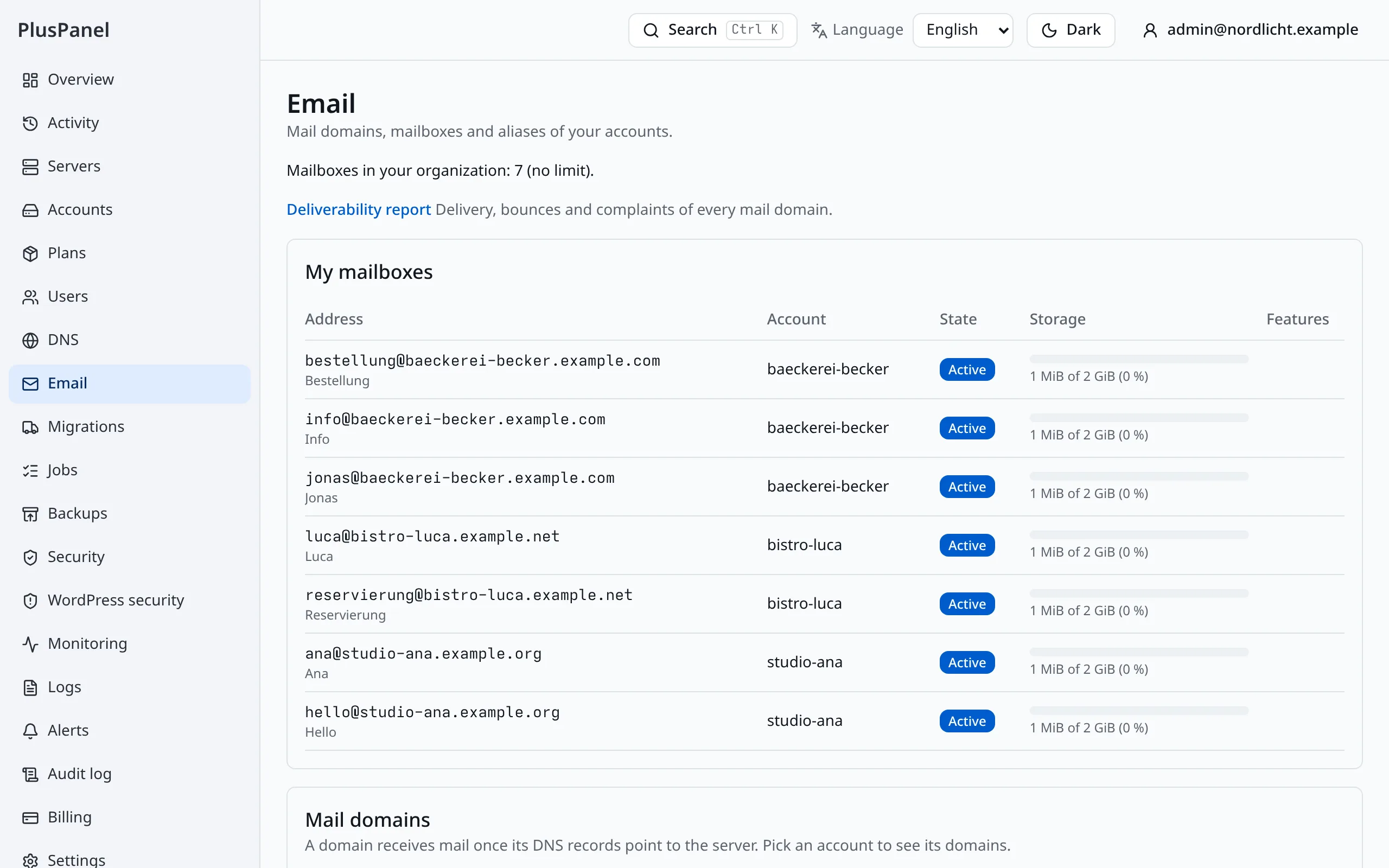
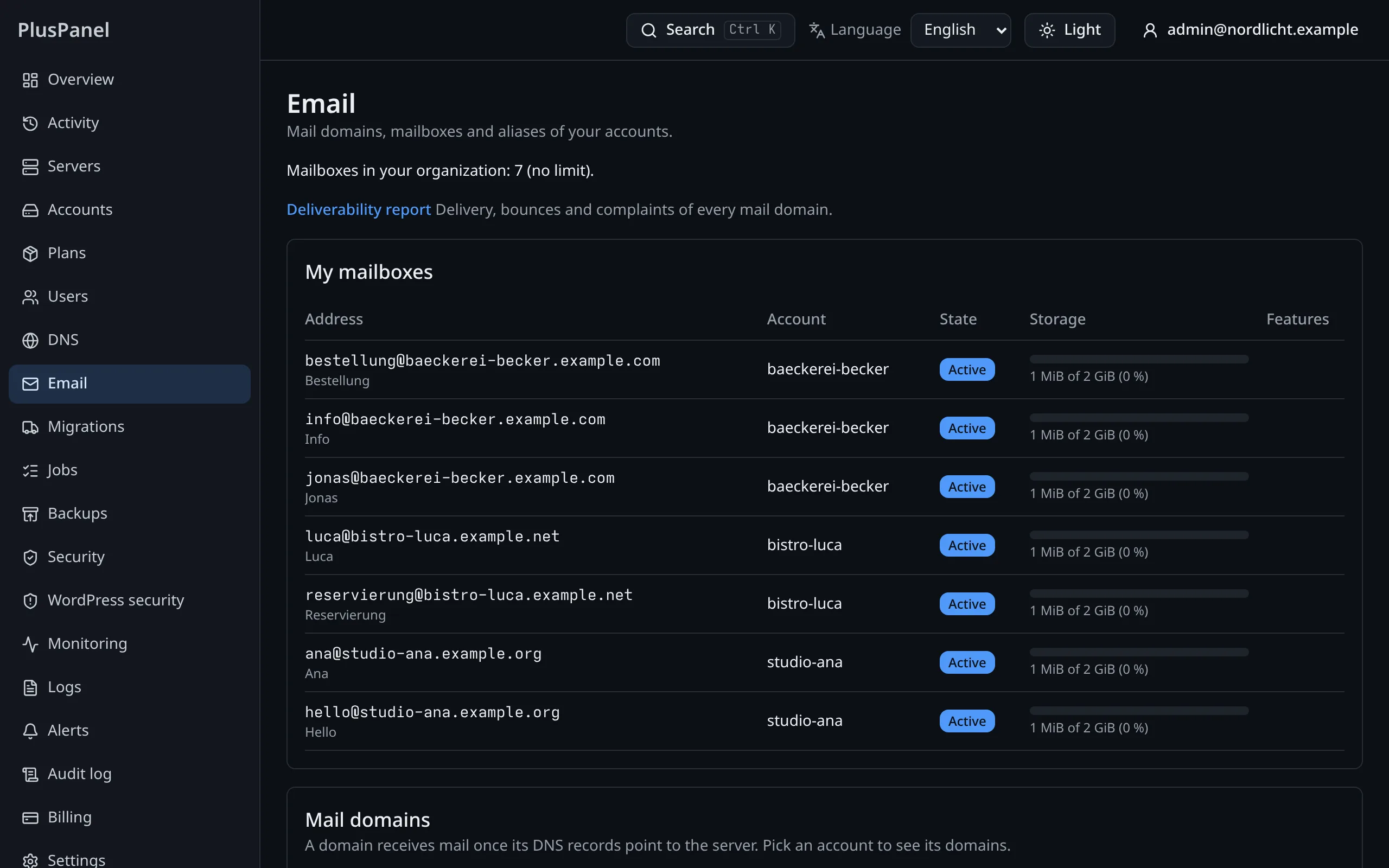
Mail that keeps its reputation
Each server's outbound mail goes through our EU relay. You see volumes, bounces and blocklist status per server, and a spamming mailbox is stopped before it harms the rest.
- SPF, DKIM and DMARC records created for each mail domain
- Daily sending quotas per account, with mail queued instead of lost
- Deliverability status you can show a customer
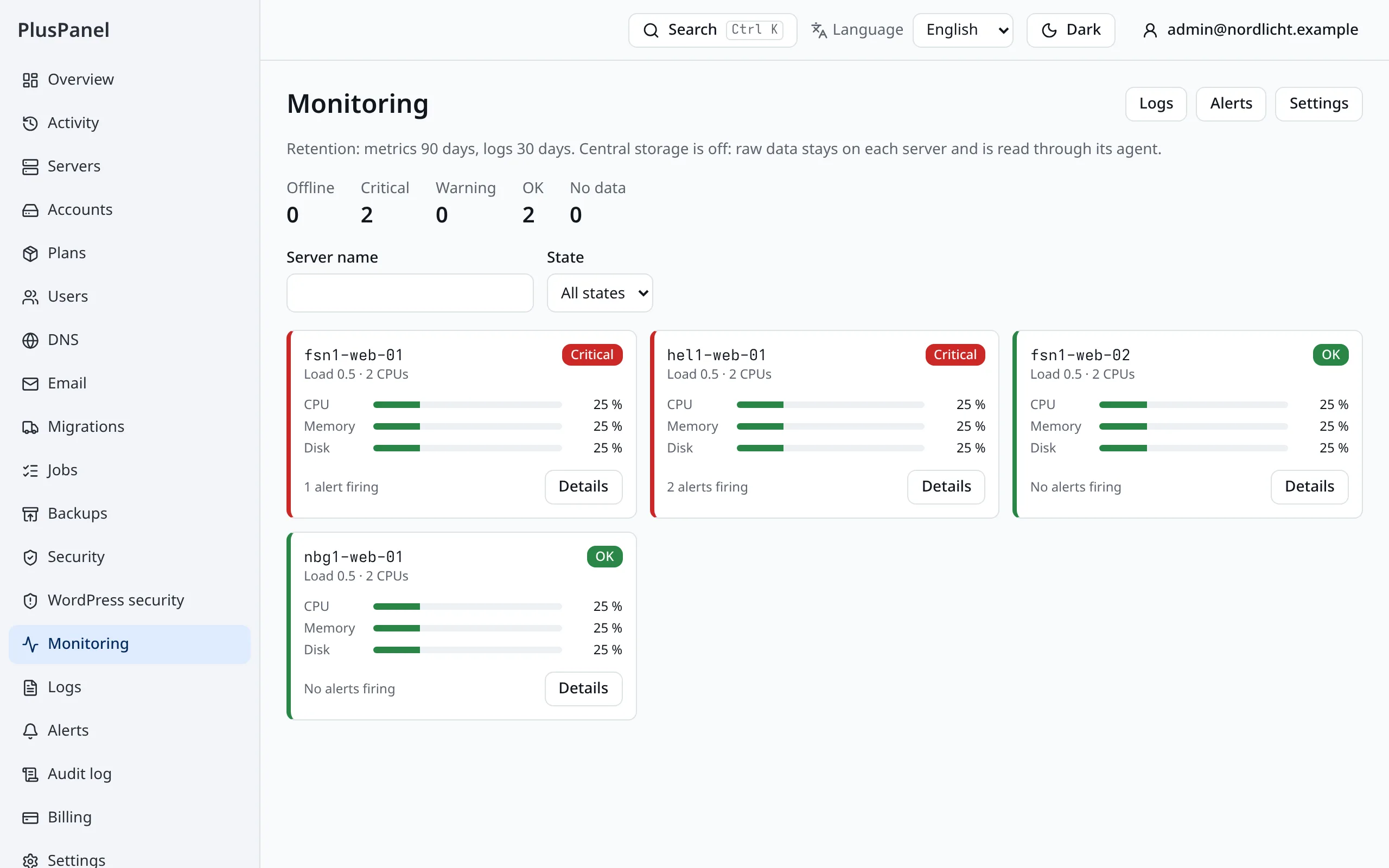
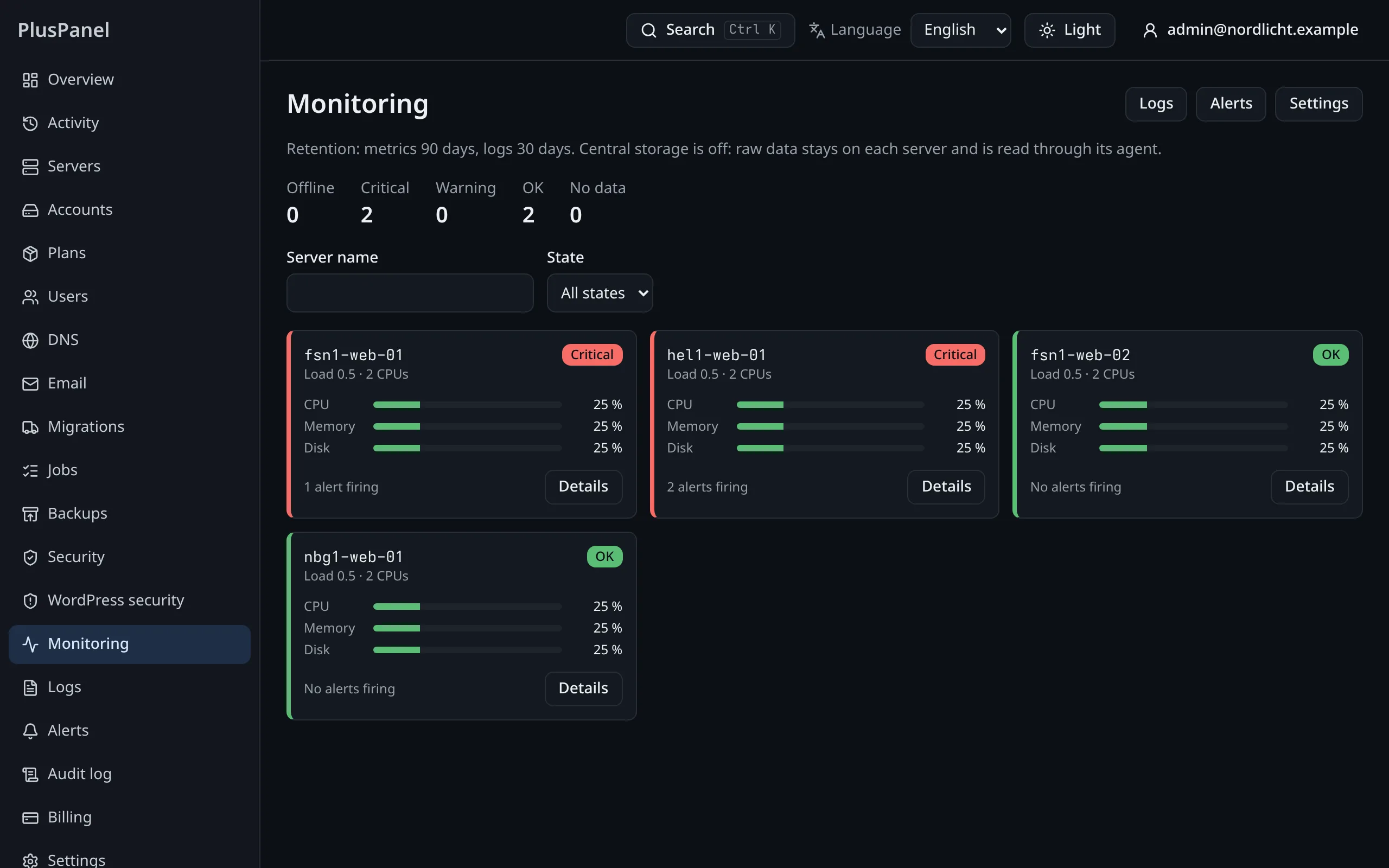
Monitoring, alerts and one audit log
Metrics and logs for every server, account and site are searchable in the panel. Alerts reach you by e-mail, webhook or push before a disk fills up.
- Dashboards included, nothing extra to install
- Every action in a log that shows if anyone altered it
- Export the log as CSV, JSON or a bundle you can verify offline
Move in from cPanel, account by account
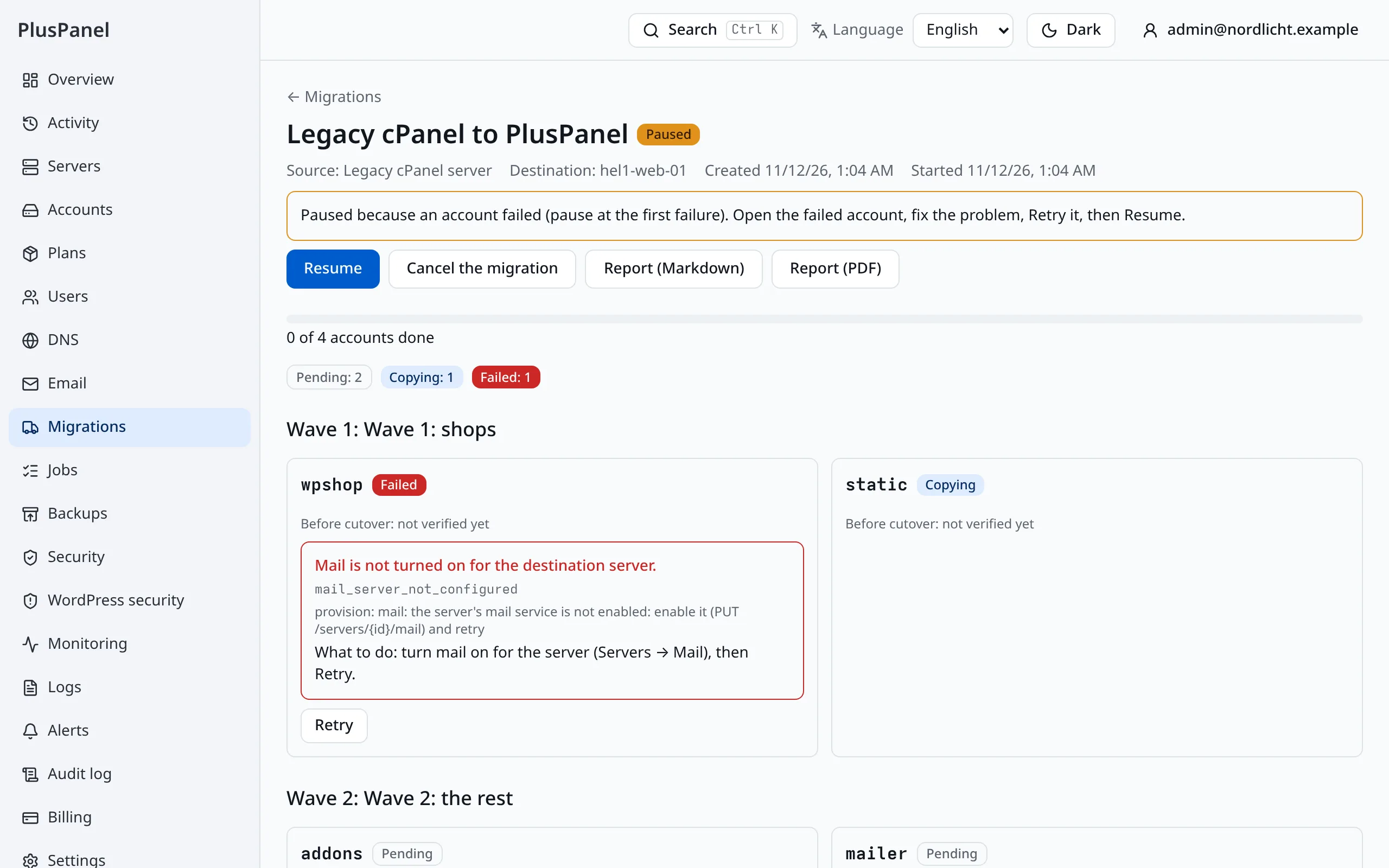
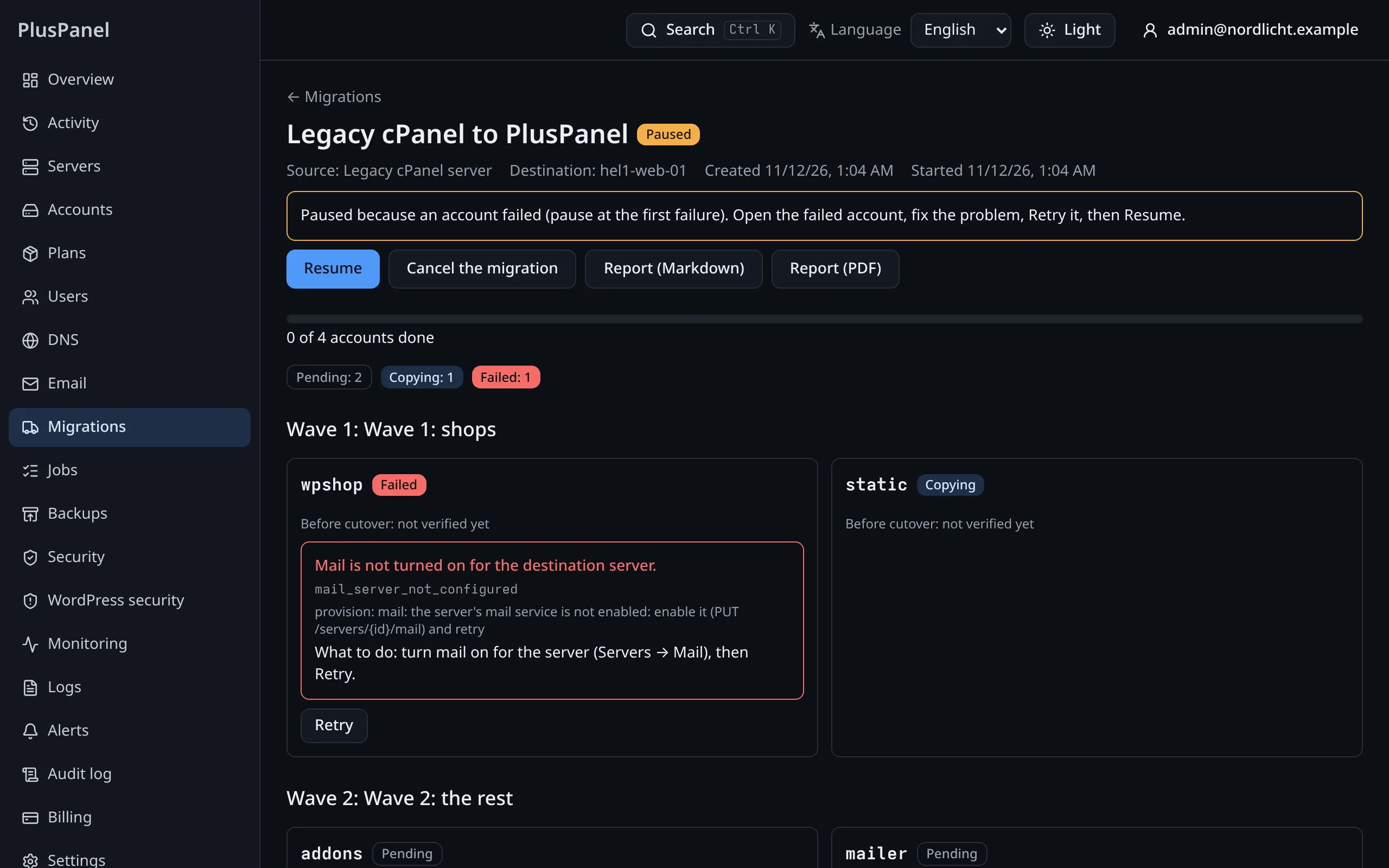
Migration Center reads a cPanel/WHM server and copies sites, databases, mailboxes, crons, certificates and DNS in waves, while the source stays live.
- A pre-flight report before anything moves
- Checked page by page before and after the switch
- Rollback per account for 14 days
Your brand, your API, your billing
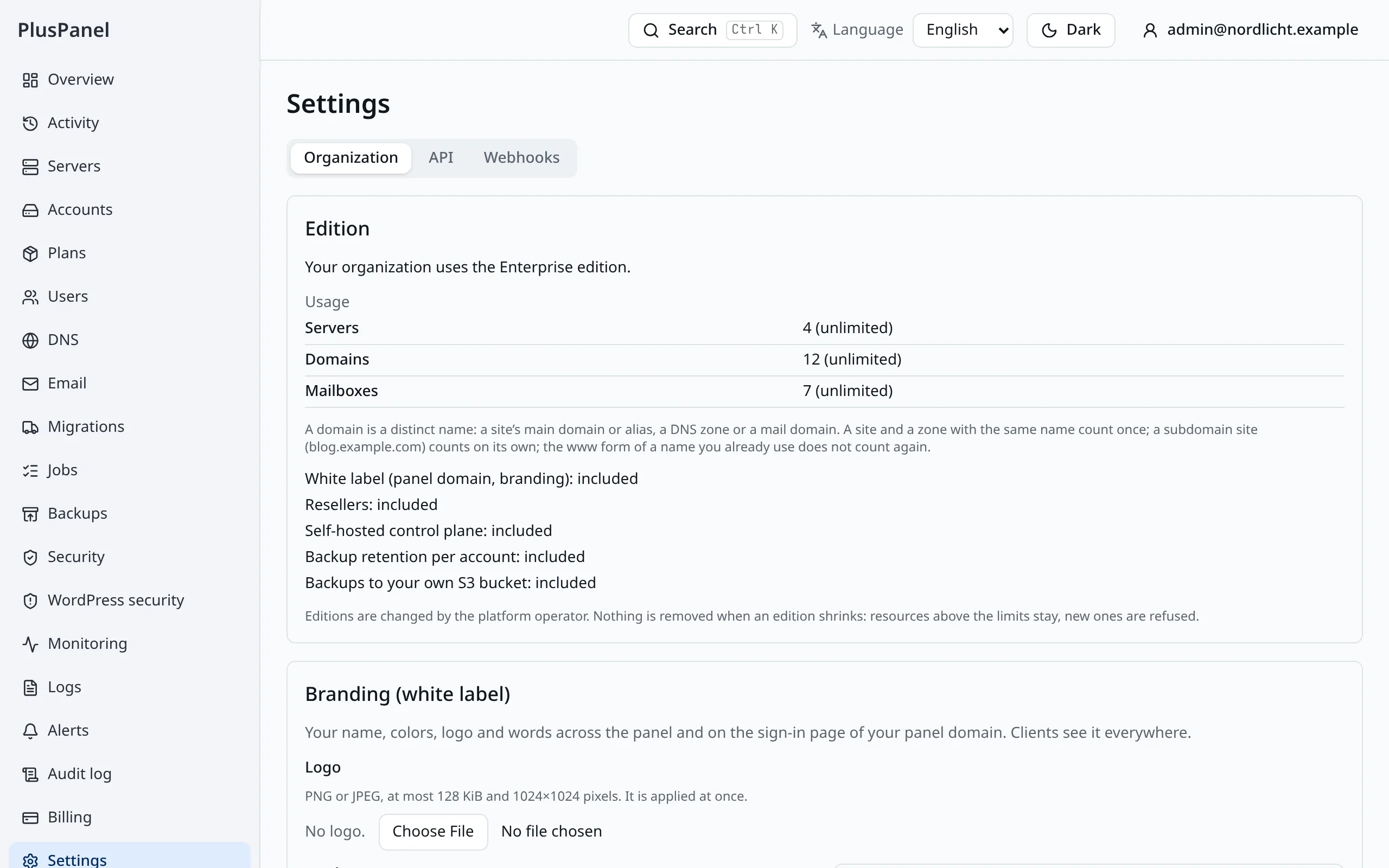
Put your product name, logo and colors on the panel your customers use, on your own domain. Automate everything through the public API and the command-line tool.
- API keys limited to the scopes you choose, and signed webhooks
- Ctrl+K reaches every action in the panel
- Plan, invoices and payment method in one place
Only admins can
- Add or remove servers and choose their release channel
- Change the security policy and the firewall rules of a server
- Create plans, resellers and other admins
- Export the audit log and manage billing
Enforced by the platform on every request, not by hiding menu items.