Who it's for Your clients
The panel your customers actually understand.
The client view is what the person who owns a website sees: their hosting and nothing else, under your name and logo, on your domain.
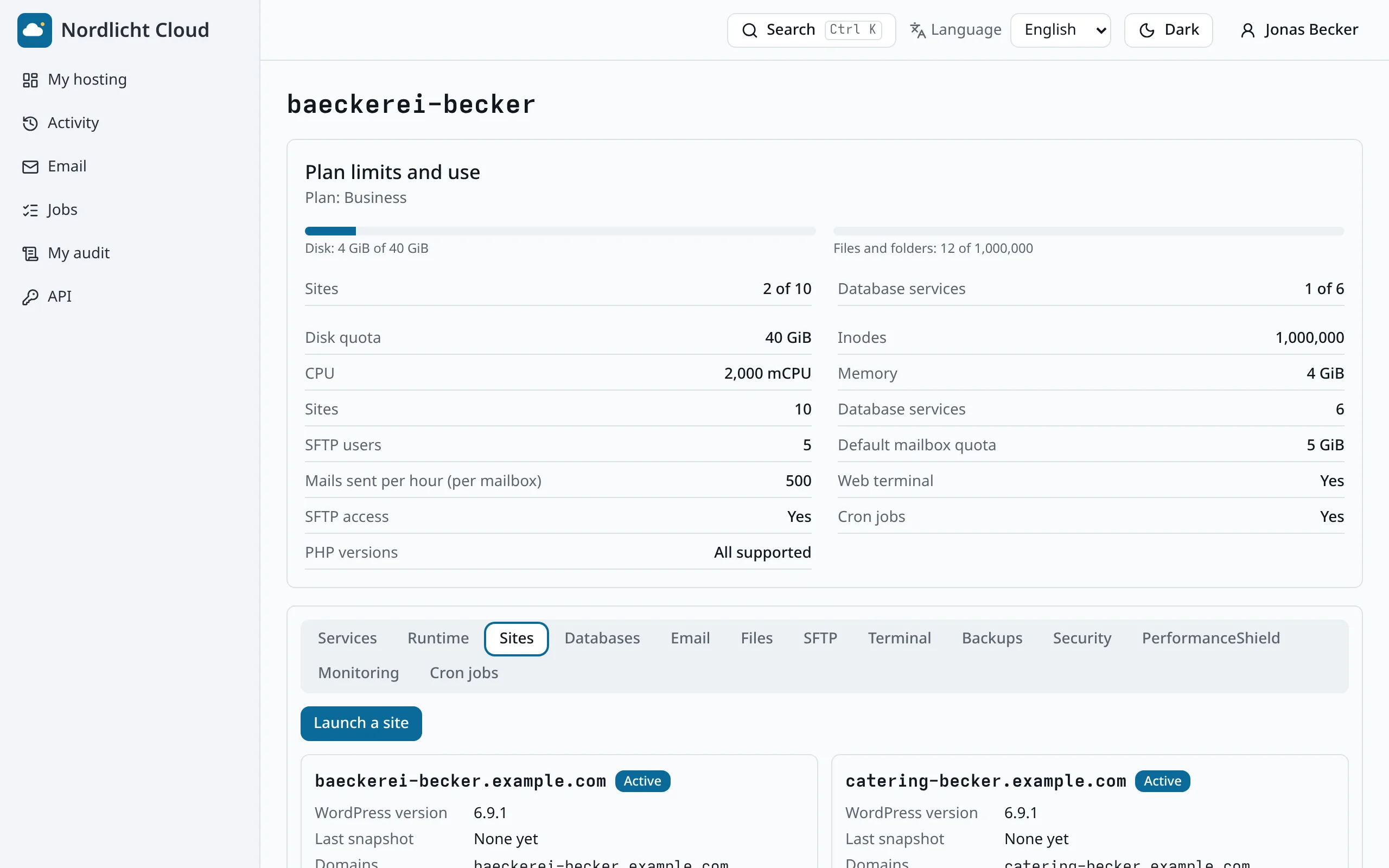
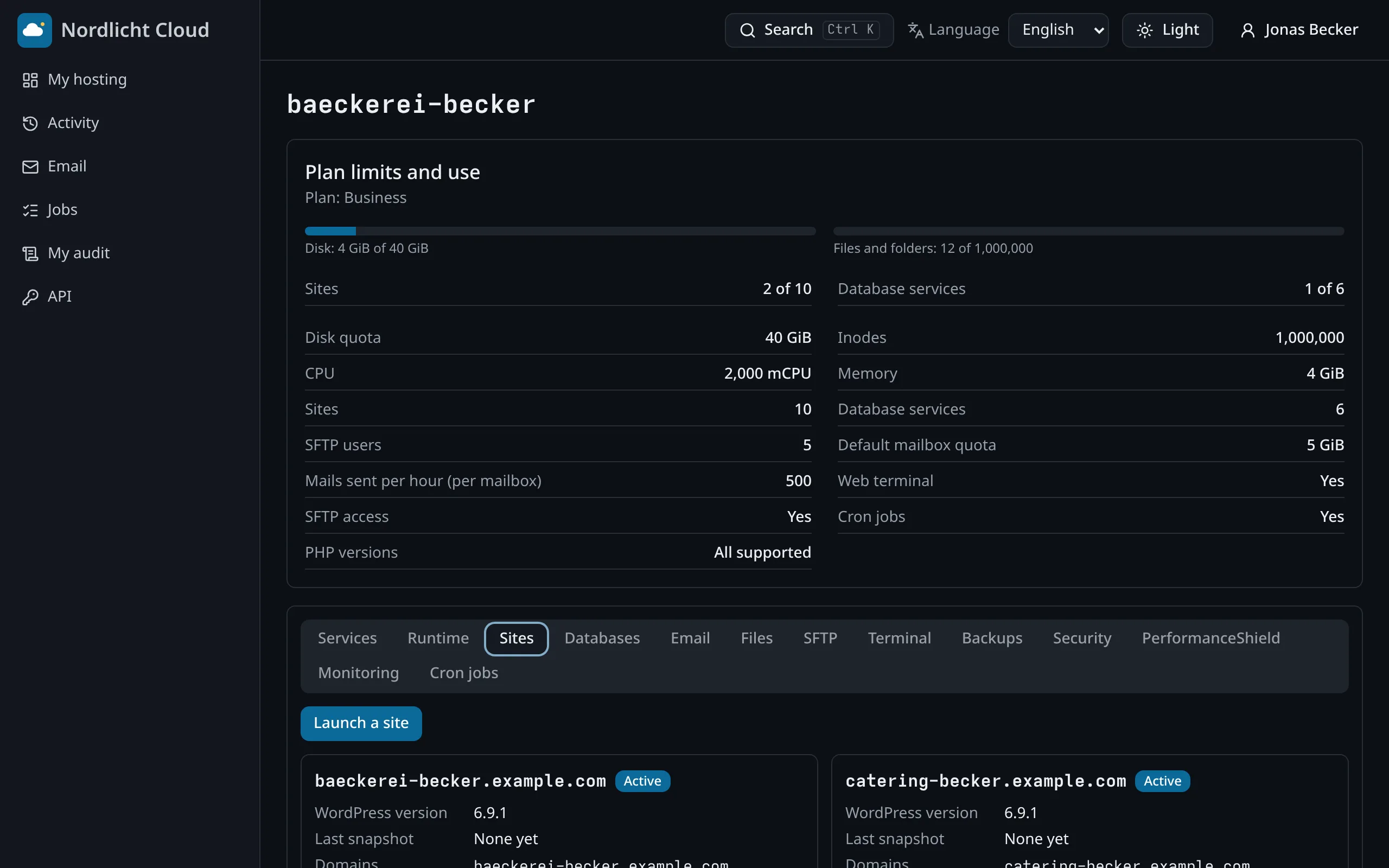
My hosting, on one page
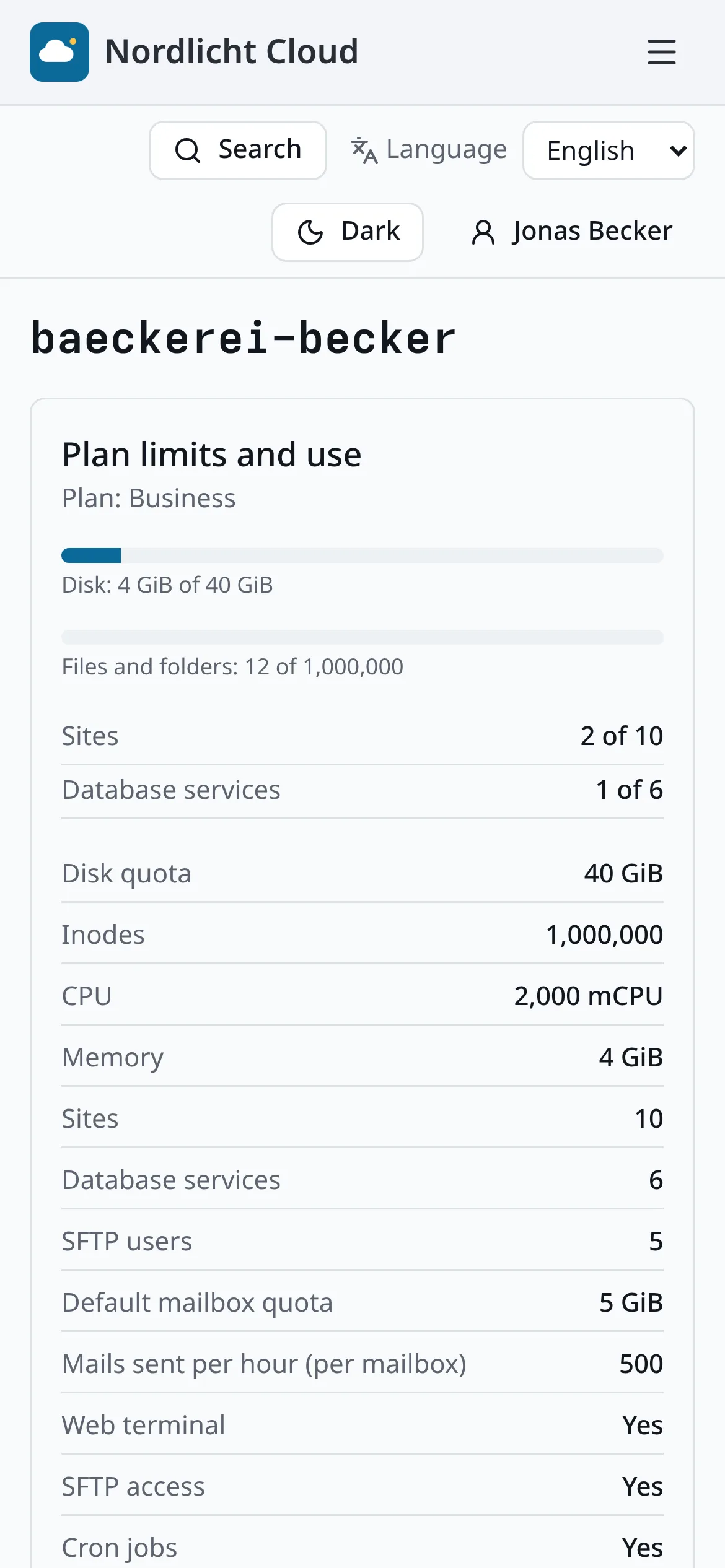
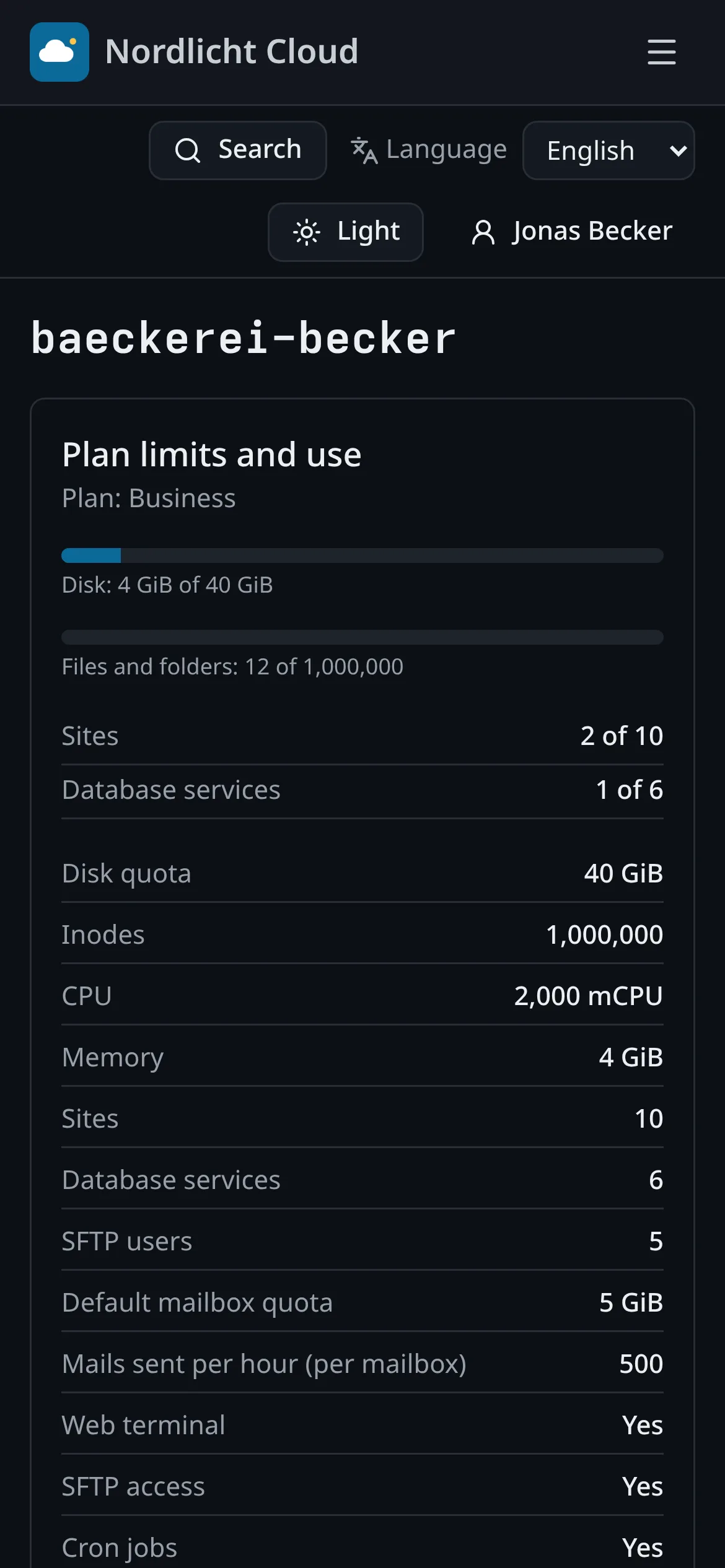
A client signs in to their own account: what the plan includes, how much is used, and their sites. With a single account they land directly in it.
- Disk, sites, databases and mailboxes against the plan
- Your product name, logo, colors and wording
- Sign-in on your own domain
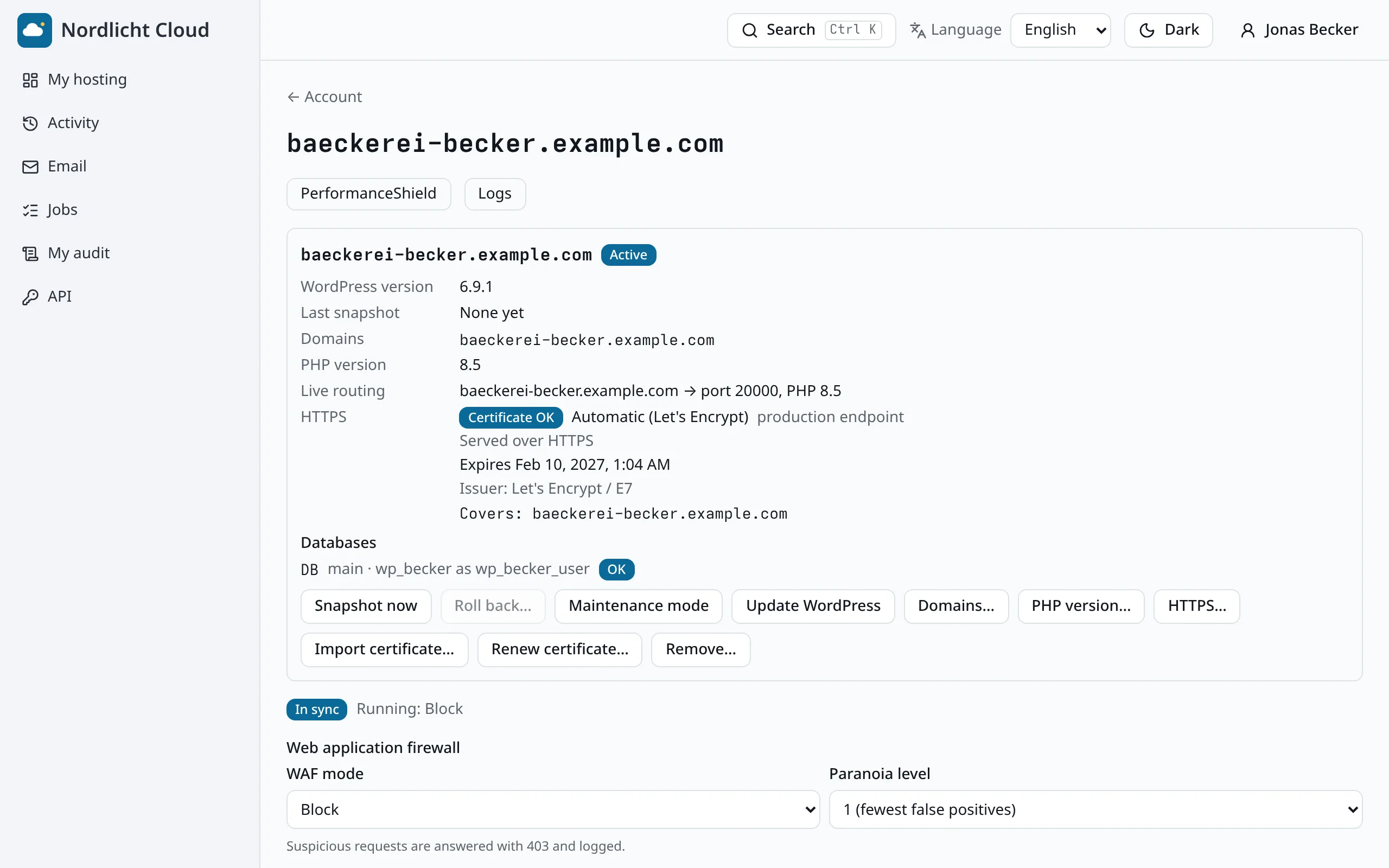
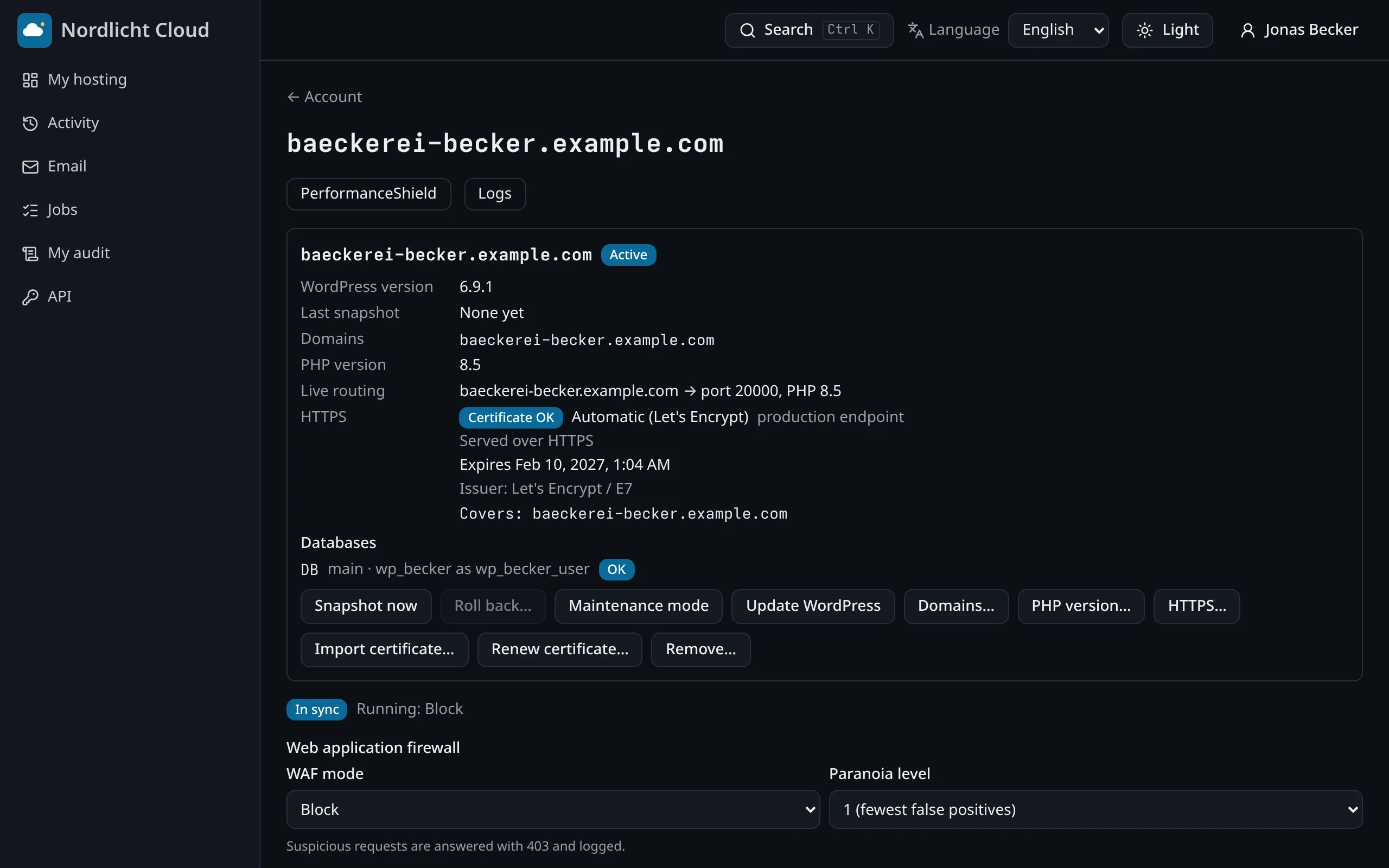
A website in a minute
Launch WordPress with a click, point a domain at it and the certificate is issued and renewed without anyone asking. Plain PHP sites work the same way.
- PHP version switched from the panel, rolled back if the site breaks
- A snapshot before every WordPress update, one click to go back
- Domains and HTTPS per site
Email that is already set up
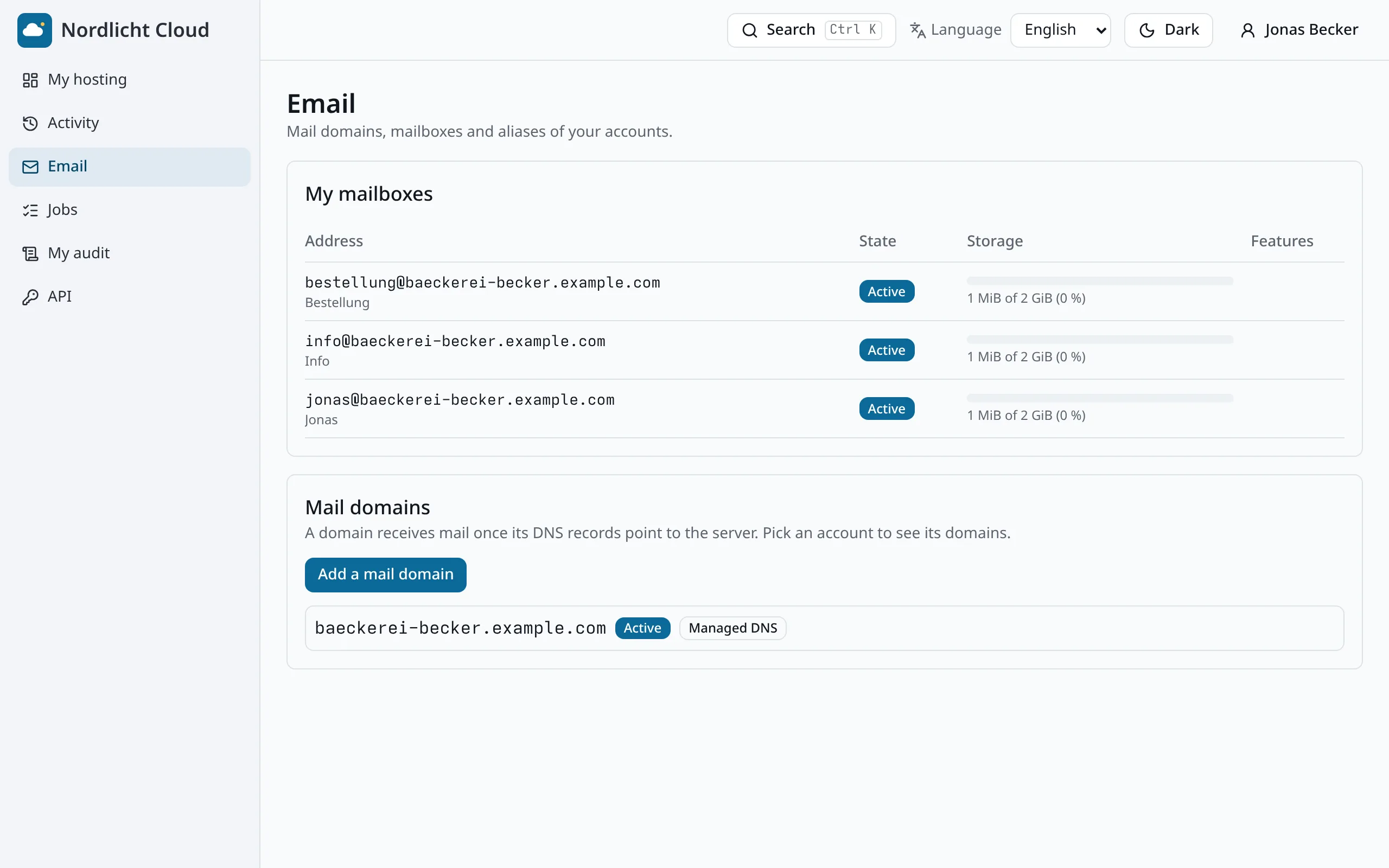
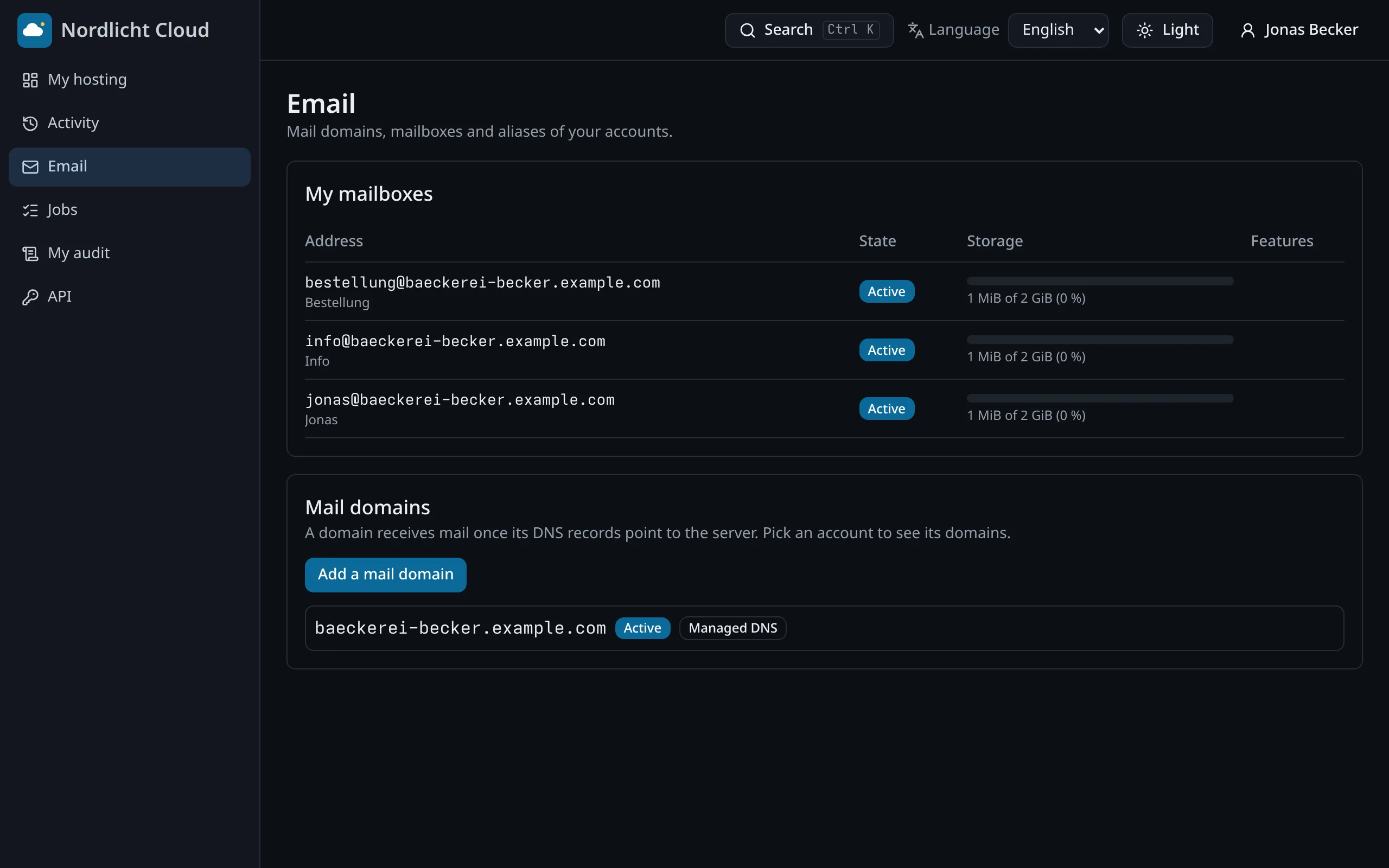
Mailboxes, aliases, forwarding and autoresponders, with webmail included. The DNS records that make mail arrive are created for them.
- Ready-made settings for phones and mail apps
- Quota per mailbox
- One mailbox can be restored from backup on its own
Databases and files without a manual
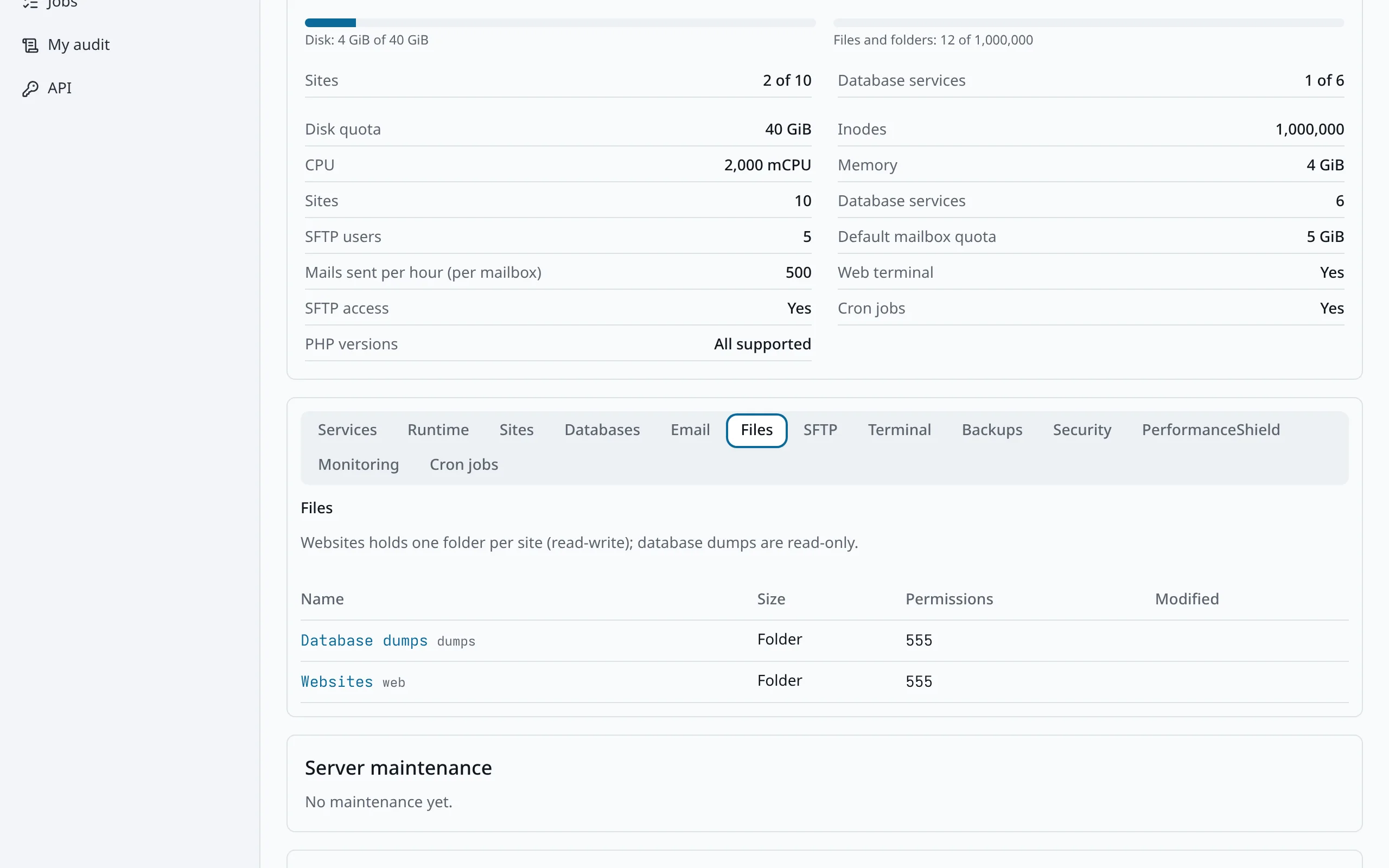
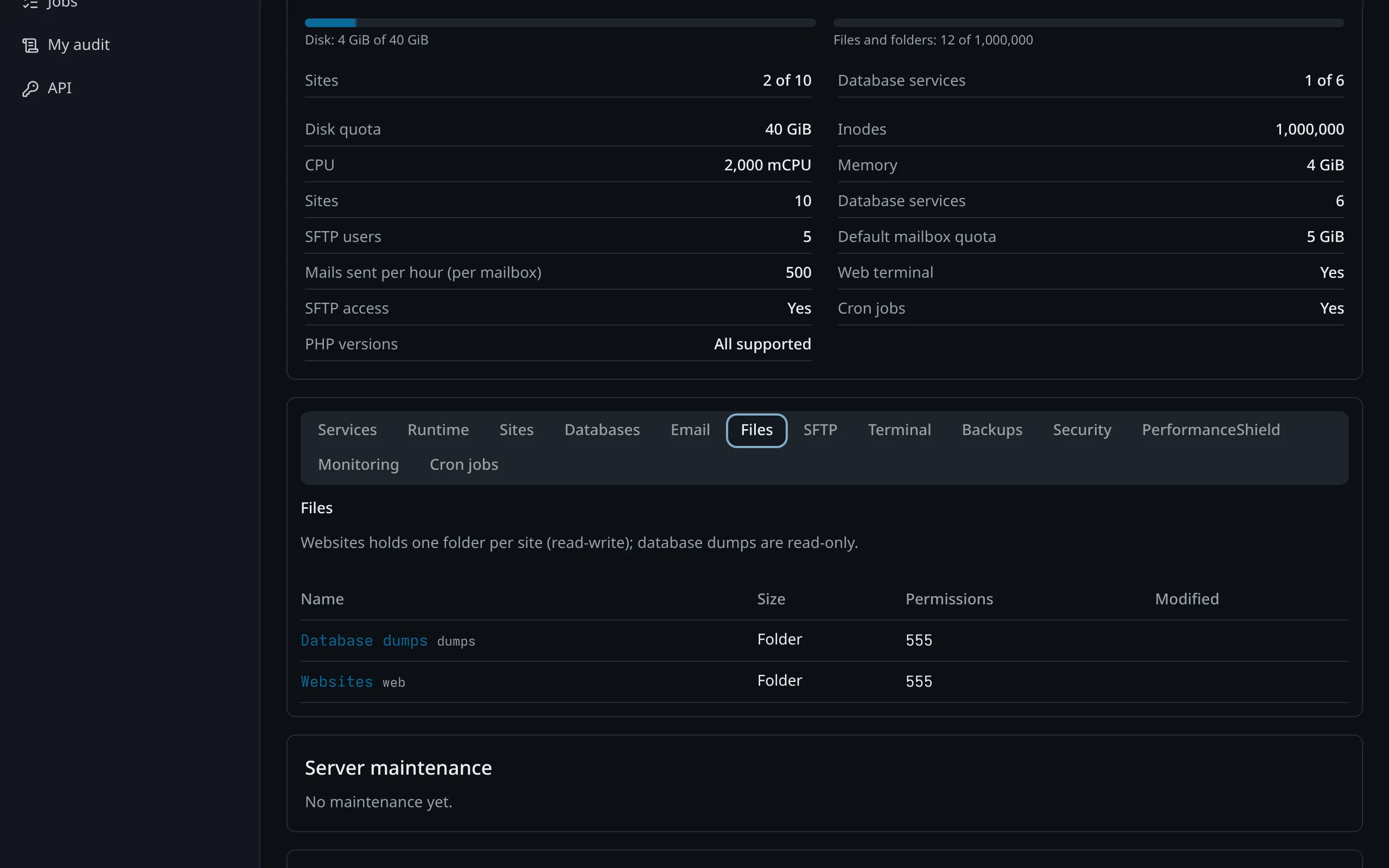
MariaDB or PostgreSQL in a few clicks, phpMyAdmin opening with a one-time sign-in, and a file manager in the browser. SFTP and a terminal are there for those who want them.
- Upload, edit and unpack archives in the browser
- Scheduled tasks (cron) from the panel
- Everything runs inside the client's own account
Backups they can restore themselves
Clients see their backups and bring back a file, a database or the whole site without opening a ticket.
- Backup on demand before a risky change
- Restore by file, database or site
- Fewer support requests for you
Security they do not have to think about
Every site has a web application firewall and a daily WordPress check. A problem comes with a plain explanation and a fix button.
- Vulnerable plugins and changed files found daily
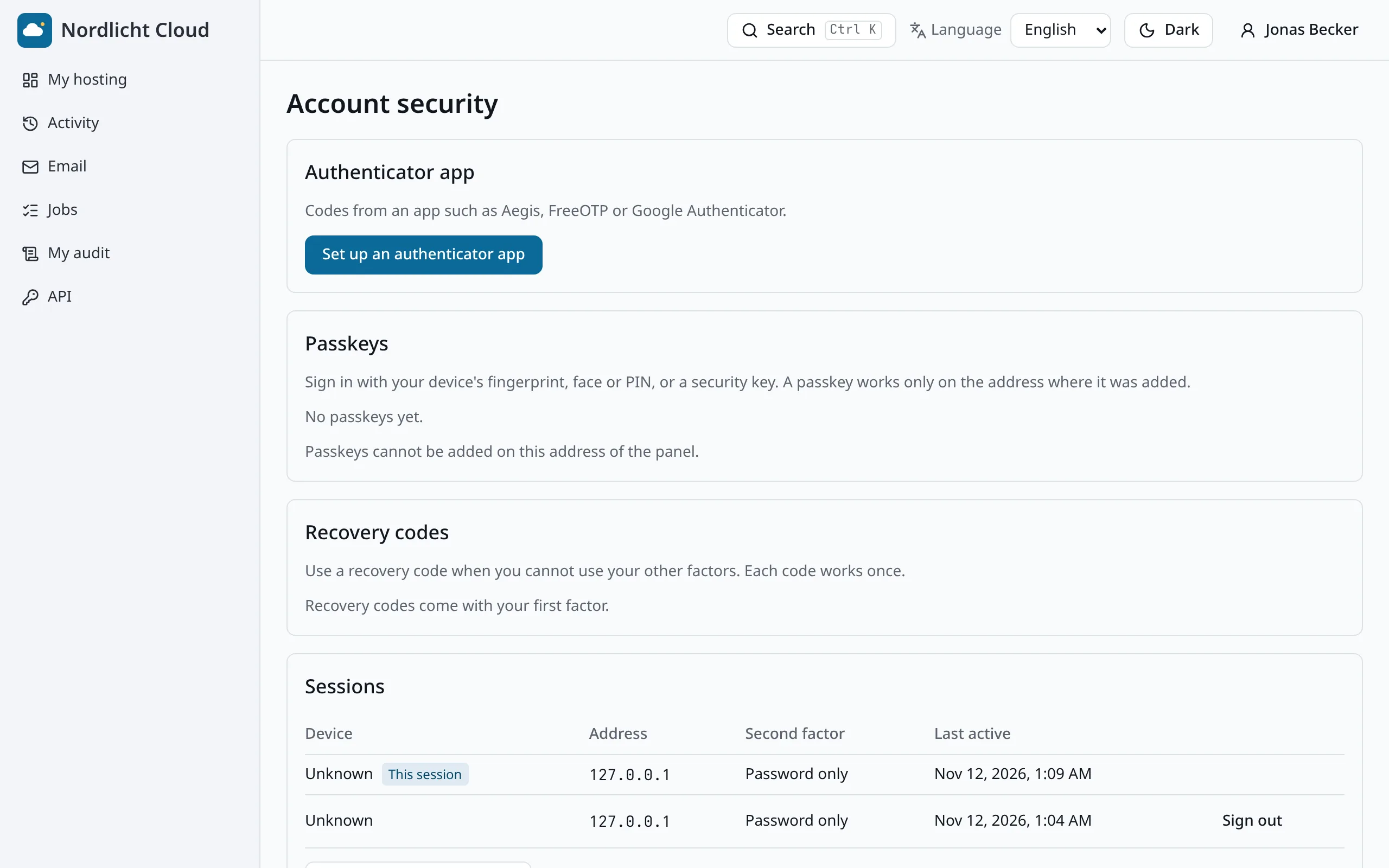
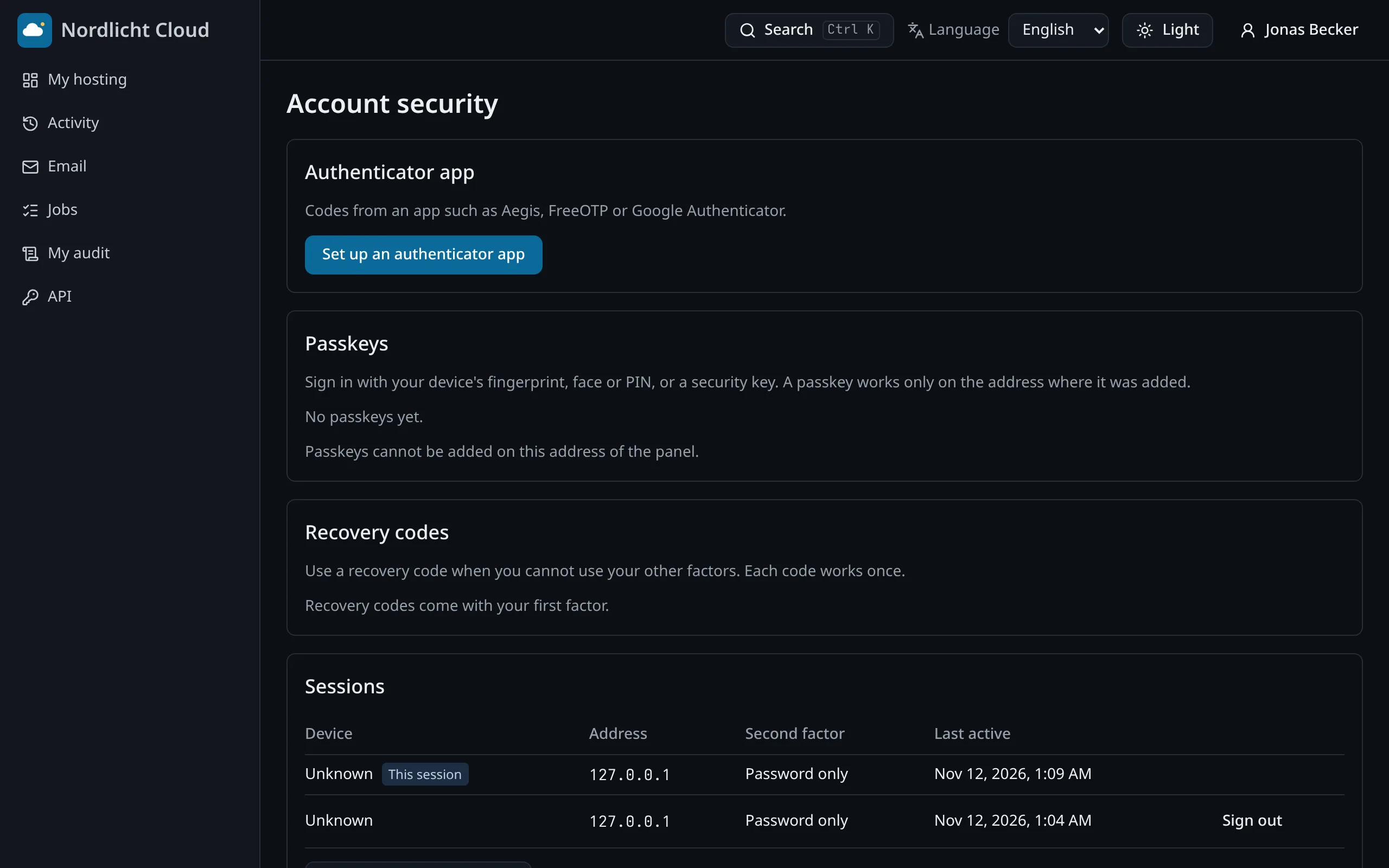
- Two-factor sign-in and passkeys for their own login
- A record of what was done in their account
In their pocket
The panel installs on a phone as an app, under your name, and sends a notification when something needs attention.
- Installs from the browser, on Android and iPhone
- Push notifications for alerts and finished tasks
- The last data stays readable offline
What a client never sees
- Other customers, on the same server or any other
- Servers, their names and their settings
- The PlusPanel name, once you set your own brand
- Anything outside their own account
Enforced by the platform on every request, not by hiding menu items.